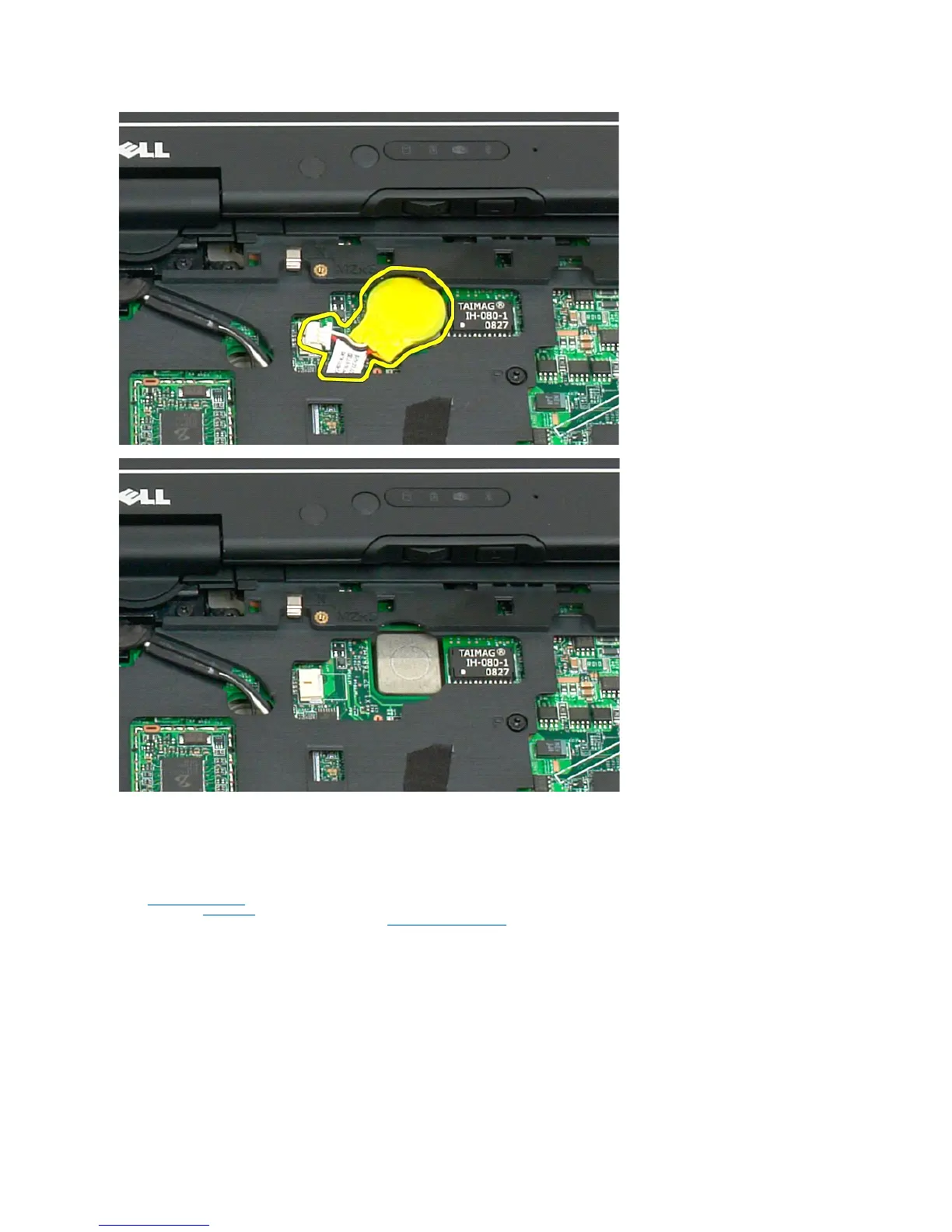
Replacing the Coin-Cell Battery
1. Peel the backing from the new coin-cell battery.
2. Connect the coin-cell cable to the system board and press the coin-cell battery into place on the system board. See diagram in step 6 above for
placement.
3. Replace the keyboard, attaching it securely with the keyboard screws.
4. Replace the hinge cover.
5. Turn the computer over and replace the battery. See Replacing the Main Battery.













 To Next Page