16 Getting to Know Your Dell™ Lightning
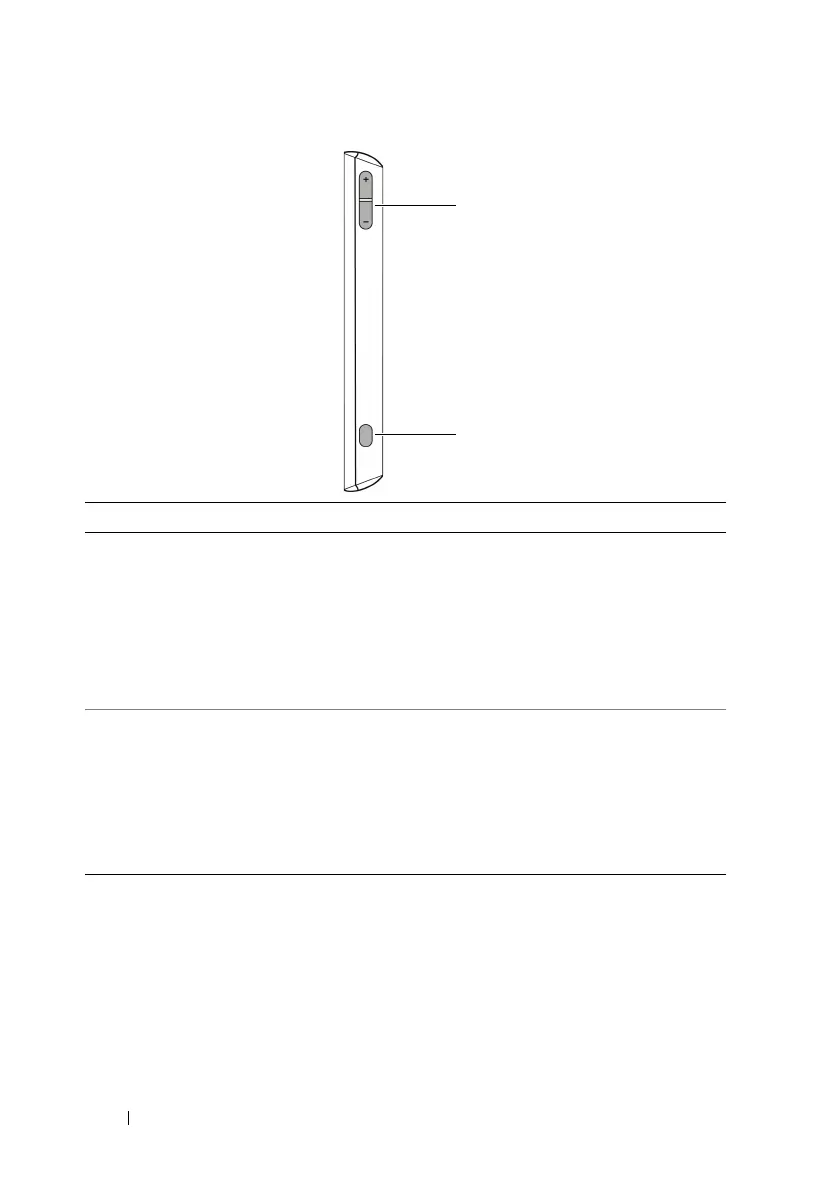
Feature Function(s)
1 Volume control buttons During a phone call or while playing
media such as music, FM radio, and
video:
• Press to increase or decrease
volume by one level.
• Press and hold continuously to
increase or decrease volume.
2 Camera button • Press to start the camera.
• Press to capture a photo or video.
• A half press of the button enables
auto-focus.
• When recording a video, press to
stop.



 To Next Page