Solving Problems 45
Network Problems
PC Card Problems
NOTE: Your computer is designed for 16-bit PCMCIA cards only. Do not use a 32-bit CardBus.
CHECK THE NETWORK CABLE CONNECTOR — Ensure that the network
cable is connected. See page 22.
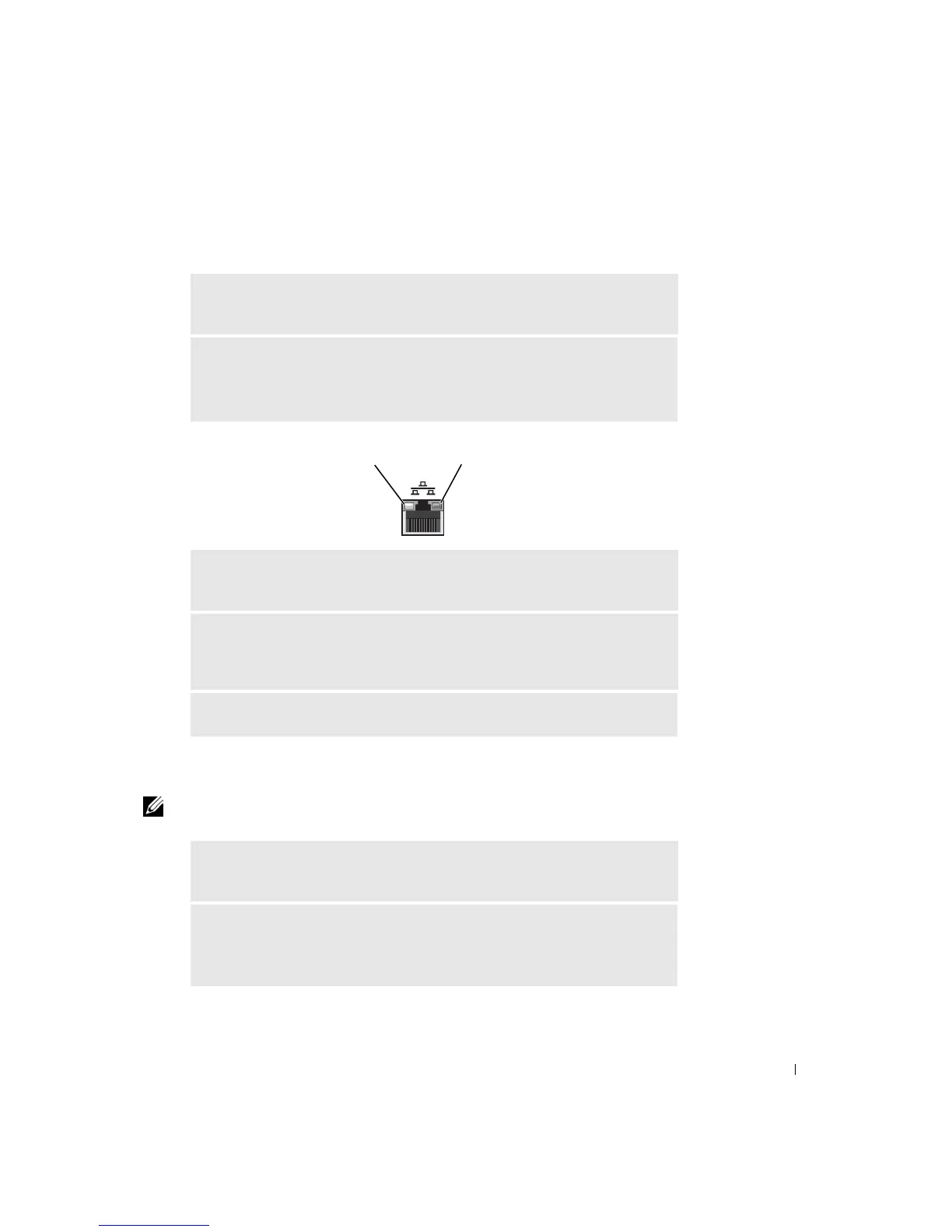
CHECK THE NETWORK LIGHTS ON THE BACK OF THE COMPUTER —
No light indicates that no network communication exists. Replace the network
cable.
RESTART THE COMPUTER AND TRY TO LOG ON TO THE NETWORK
AGAIN
CHECK YOUR NETWORK SETTINGS — Contact your network administrator
or the person who set up your network to verify that your network settings are
correct and that the network is functioning.
CHECK FOR INTERRUPT REQUEST CONFLICTS — See page 66.
CHECK THE PC CARD — Ensure that the PC Card is properly inserted into
the connector.
ENSURE THAT THE CARD IS RECOGNIZED BY WINDOWS
®
— Double-
click the Unplug or Eject Hardware icon in the Windows taskbar. Ensure that
the card is listed.
link activity light network integrity light













 To Next Page