84 Removing and Installing Parts
www.dell.com | support.dell.com
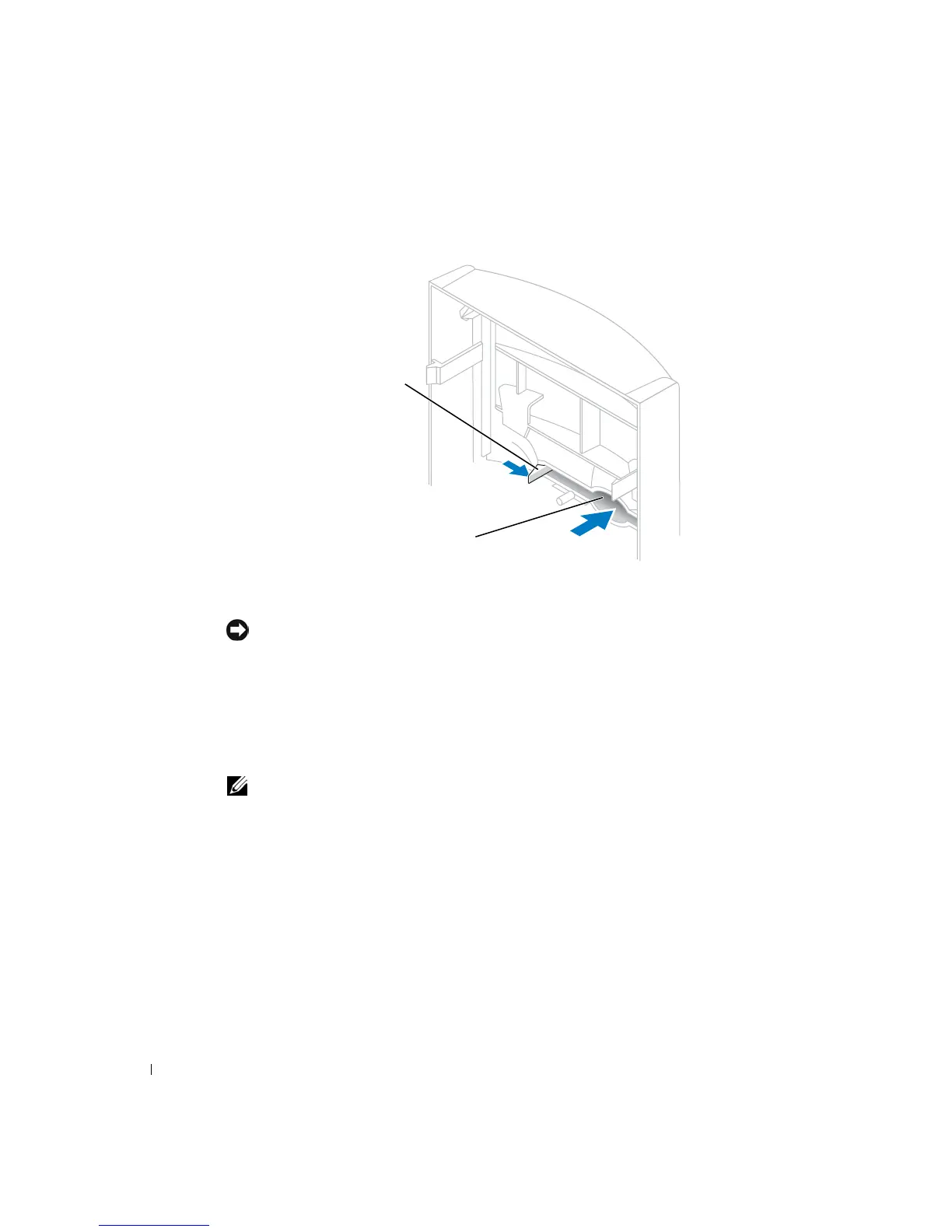
7 Press in the two insert tabs, and then push out the front-panel insert.
8 Connect the floppy-drive power cable to the back of the drive.
CAUTION: Match the colored strip on the cable with pin 1 on the drive (pin 1 is
marked as "1").
9 Connect the data cable to the back of the drive and to the floppy drive connector on
the system board (see page 79).
10 Position the top of the floppy drive bracket so that it is completely flush with the
bottom of the upper drive bay, and then slide the floppy drive bracket forward into
place.
NOTE: The top of the floppy drive bracket has two slots that fit into two clips on the bottom of
the upper drive bay. When the floppy drive bracket is properly mounted, it remains in place
without support.
insert
tabs (2)













 To Next Page