86 Removing and Installing Parts
www.dell.com | support.dell.com
13 Check all cable connections, and fold cables out of the way to provide airflow for the
fan and cooling vents.
14 Replace the computer cover (see page 96).
NOTICE: To connect a network cable, first plug the cable into the network wall jack and then
plug it into the computer.
15
Connect your computer and devices to electrical outlets, and turn them on.
16 After you turn on your computer, press <F2> when you are prompted to enter setup
mode.
17 Highlight Drive Configuration and press <Enter>.
18 Use the left and right arrows to change Diskette Drive A from Not Installed to 3.5
inch, 1.44 MB.
19 Press <Enter>.
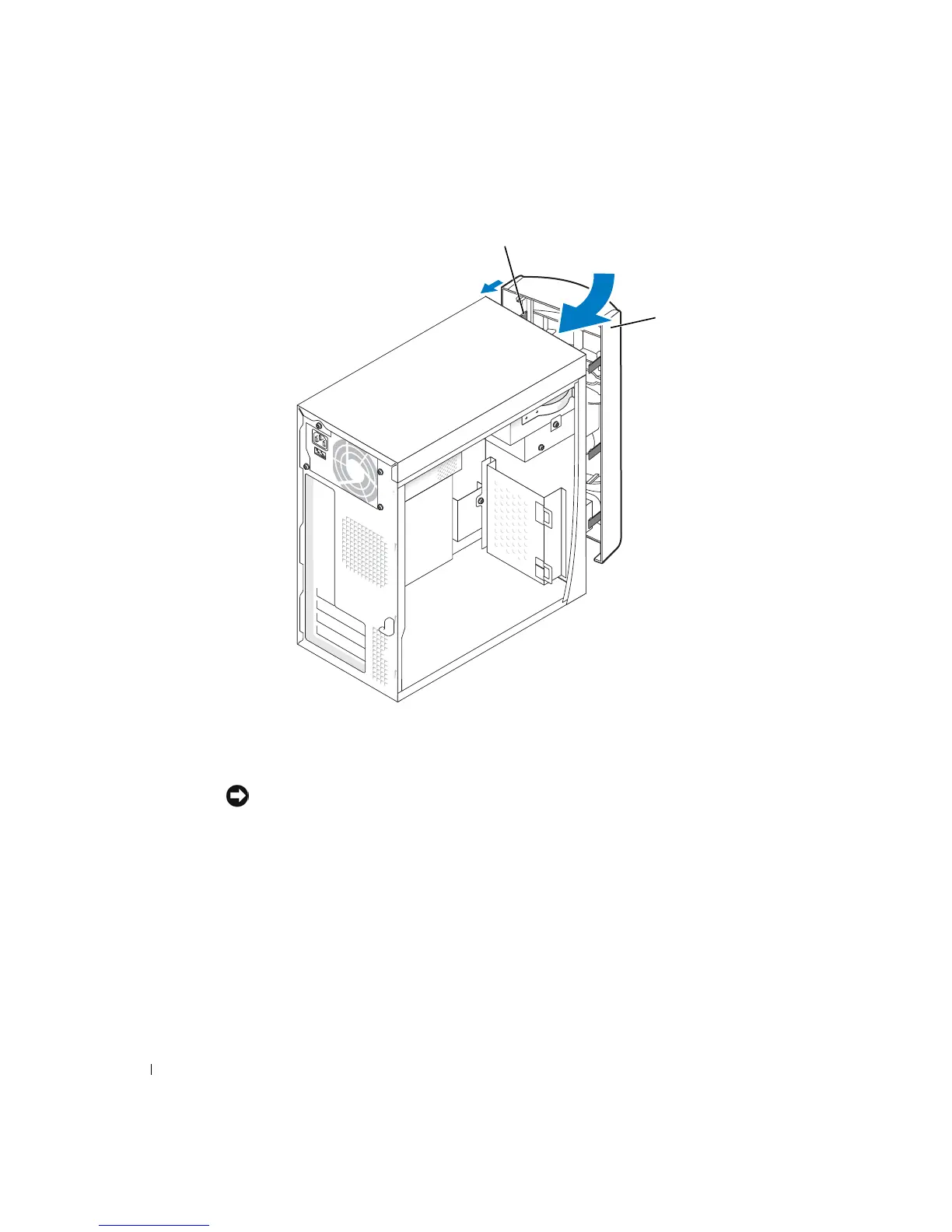
front panel
side hinges (3)













 To Next Page