4 SCG1015 Dell Networking N2000 Series Configuration Guide
1 Introduction
This document illustrates how to configure Dell™ Networking N2000 Series switches for use with
EqualLogic™ PS Series storage using Dell best practices. The recommended configuration uses link
aggregation groups (LAGs) for inter-switch connections.
If you are following the Rapid EqualLogic Configuration steps at
http://en.community.dell.com/techcenter/storage/w/wiki/3615.rapid-equallogic-configuration-portal-
by-sis.aspx, use sections 1 and 2 from this guide for LAG, or sections 1 and 3 from this guide for stack
configuration.
For more information on EqualLogic SAN design recommendations, see the EqualLogic Configuration
Guide at: http://en.community.dell.com/dell-
groups/dtcmedia/m/mediagallery/19852516/download.aspx.
1.1 Audience
This switch configuration guide describes an optimal configuration following Dell best practices for an
EqualLogic iSCSI SAN and is intended for storage or network administrators and deployment personnel.
1.2 Switch details
The table below provides an overview of the switch configuration.
Table 1 Switch specifications
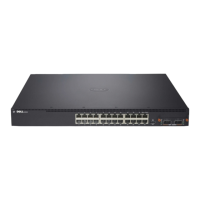
Dell Networking N2000 Series
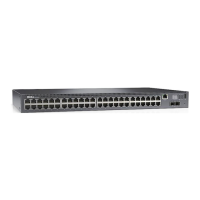
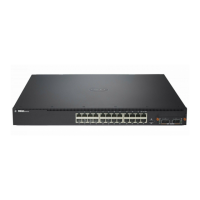
Dell Networking N2000 series – N2024, N2048
Note: For proper functionality, the switch must be at the switch firmware version shown in the table
above before proceeding with this configuration. Using previous firmware versions may have
unpredictable results.
The latest firmware updates and documentation can be found at: support.dell.com.






 To Next Page