6 SCG1015 Dell Networking N2000 Series Configuration Guide
2 Dell recommended switch configuration
These steps show you how to configure two Dell Networking N2000 switches with a Link Aggregation
Group (LAG). The switches are interconnected using the fixed 10GbE SFP+ module on the front and the
LAG is configured for Dynamic Link Aggregation Control Protocol (LACP).
2.1 Hardware configuration
1. Power on the two switches.
2. Connect a serial cable to the serial port of the first switch.
3. Using any terminal utility, open a serial connection session to the switch.
4. Open your terminal emulator and configure it to use the serial port (usually COM1, but this may
vary depending on your system). Configure serial communications for 9600,N,8,1 and no flow
control.
5. Connect the optical cables between the fixed 10GbE module on the front of the N2000 switches.
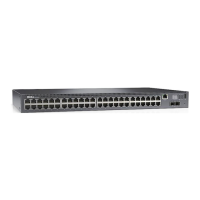
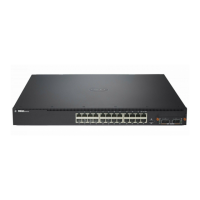
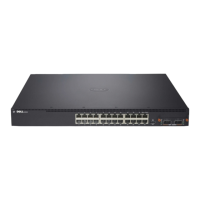
See this configuration in Figure 1.
2.2 Delete startup configuration
Note: All configuration settings will be deleted
console>enable
console#reload
Are you sure you want to reload the stack? (y/n) y
Note: The switch will reboot.
Follow the prompts shown below when the Main Menu is displayed during the bootup process.
Dell Networking Boot Options
============================
Select a menu option within 3 seconds or the Operational Code will start
automatically...
1 - Start Operational Code
2 - Display Boot Menu
Select (1, 2)# 2
Boot Main Menu
==============






 To Next Page