I/O board
Removing the I/O board
Prerequisites
1. Follow the procedure in before working inside your computer.
2. Remove the microSD-card.
3. Remove the SIM card tray for 4G LTE enabled systems.
4. Enter the service mode.
5. Remove the base cover.
6. Remove the ethernet port.
About this task
NOTE:
NOTE: The following image is from systems without power-button board.
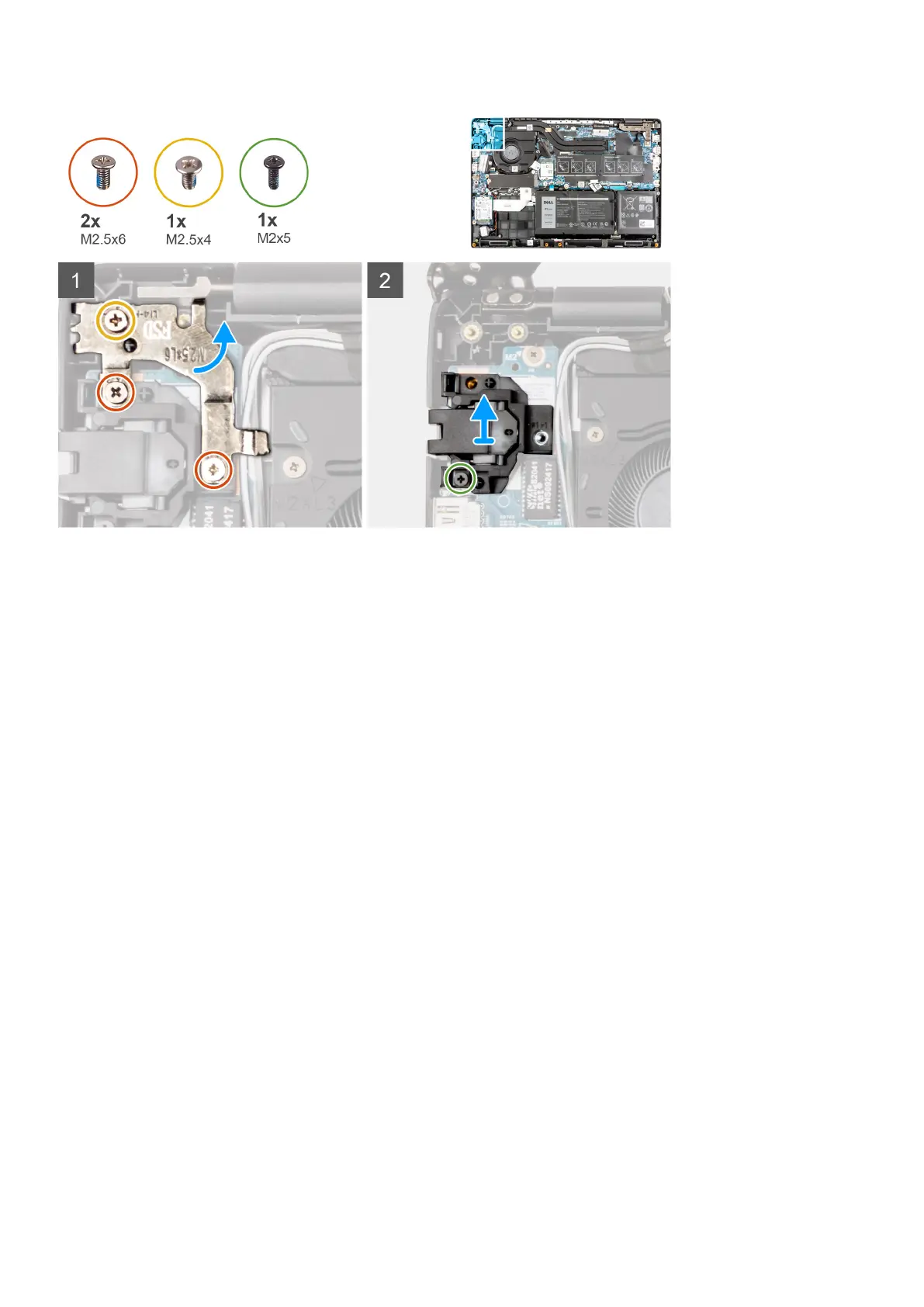
The following image indicates the location of the I/O board and provides a visual representation of the removal procedure.
Steps
1. For systems shipped with power button, peel the adhesive, open the latch and disconnect the power button cable from the
connector on the I/O board.
2. Open the latch and disconnect the I/O cable from the connector on the system board.
3. Disconnect the USB cable and coin-cell cable from the connectors on the system board.
4. Remove the two (M2x3) screws that secure the I/O board on the palmrest assembly.
5. Lift and remove the I/O board from the palmrest assembly.
70
Removing and installing components



 To Next Page