Steps
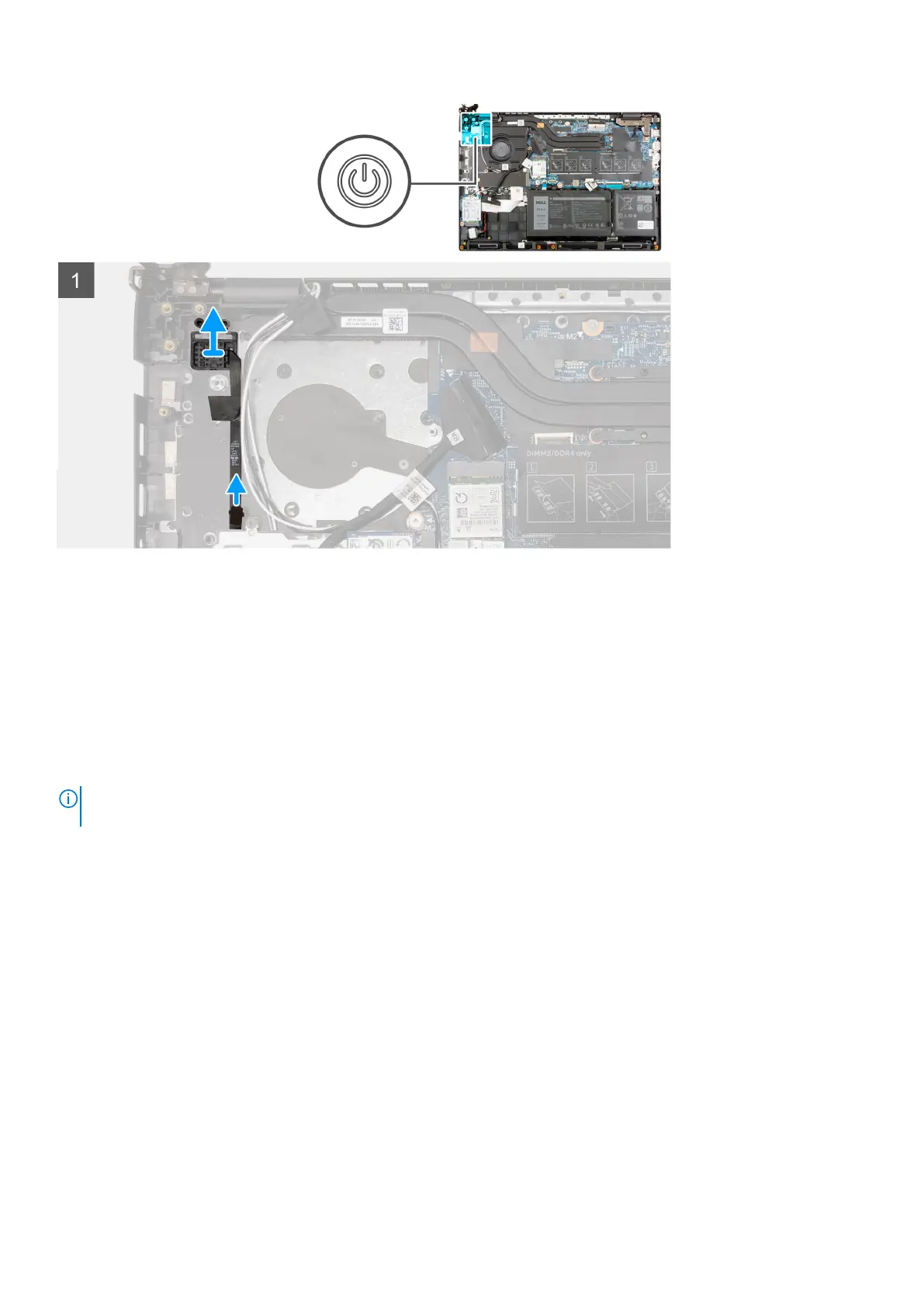
1. Peel the power button cable with adhesive backing from the palmrest assembly.
2. Lift the power button with fingerprint reader off the palmrest assembly.
Installing the power button with fingerprint reader
About this task
The following image indicates the location of the power button with fingerprint reader and provides a visual representation of
the removal procedure.
NOTE:
The following images are from systems shipped with integrated graphic card. The system board has a different
configuration for discrete graphic cards.
74 Removing and installing components



 To Next Page