Steps
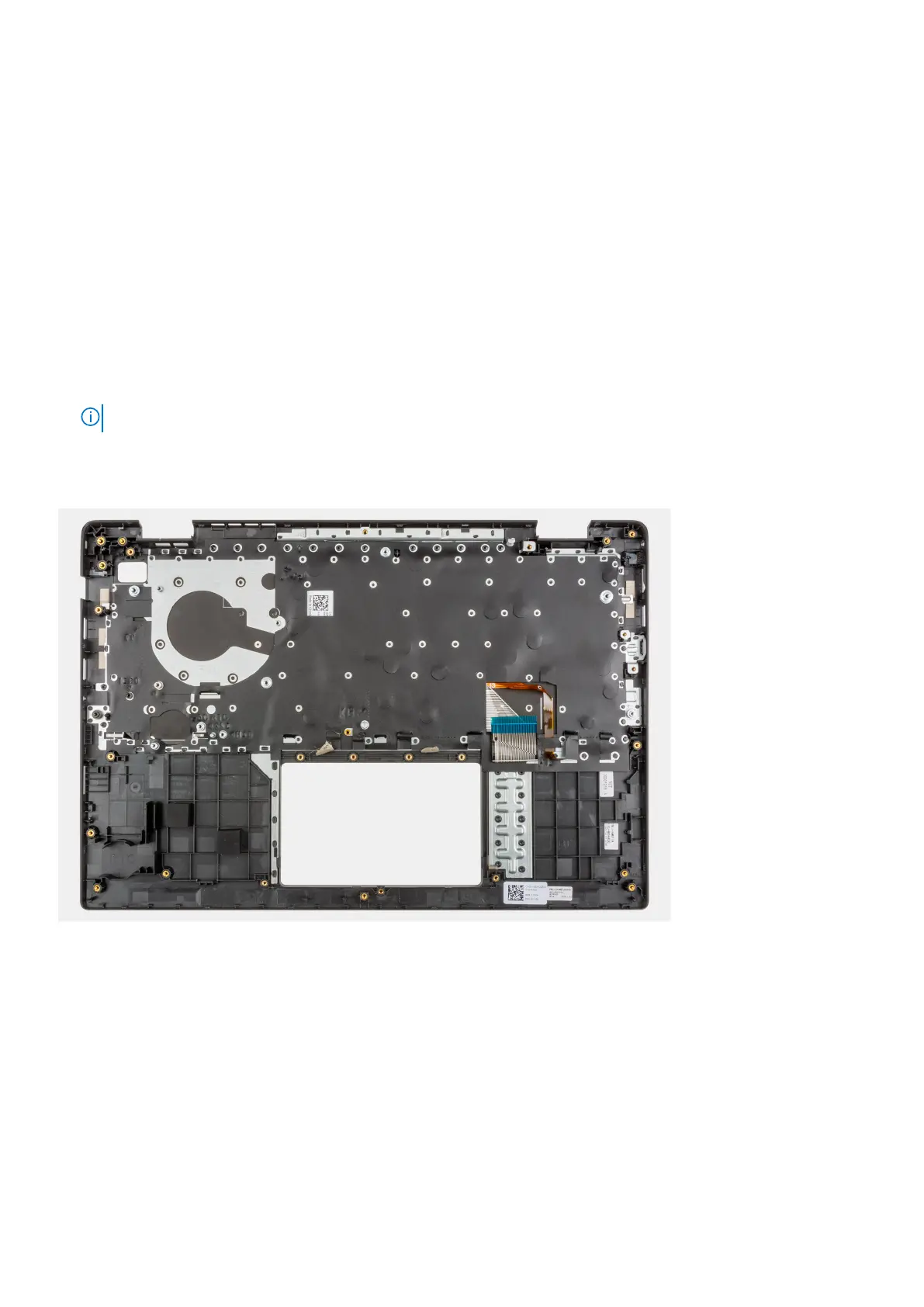
After performing the succeeding steps, you are left with the palmrest assembly.
Next steps
1. Install the system board.
2. Install the WWAN I/O board for systems enabled with 4G LTE.
3. Install the USB cable.
4. Install the coin-cell battery.
5. Install the I/O board.
6. Install the power adapter port.
7. Install the heatsink assembly.
8. Install the system fan.
9. Install the display assembly.
10. Install the I/O board cable.
11. Install the WWAN card for systems enabled with 4G LTE.
12. Install the WLAN card.
13. Install the hard-disk drive.
14. Install the M.2 SSD conversion plate.
15. Install the M.2 SSD conversion bracket.
16. Install the M.2 SSD.
17. Install the memory module.
18. Install the battery.
19. Install the base cover.
20. Install the SIM card tray for 4G LTE enabled systems.
21. Install the microSD-card.
22. Follow the procedure in after working inside your computer.
Removing and installing components
89



 To Next Page