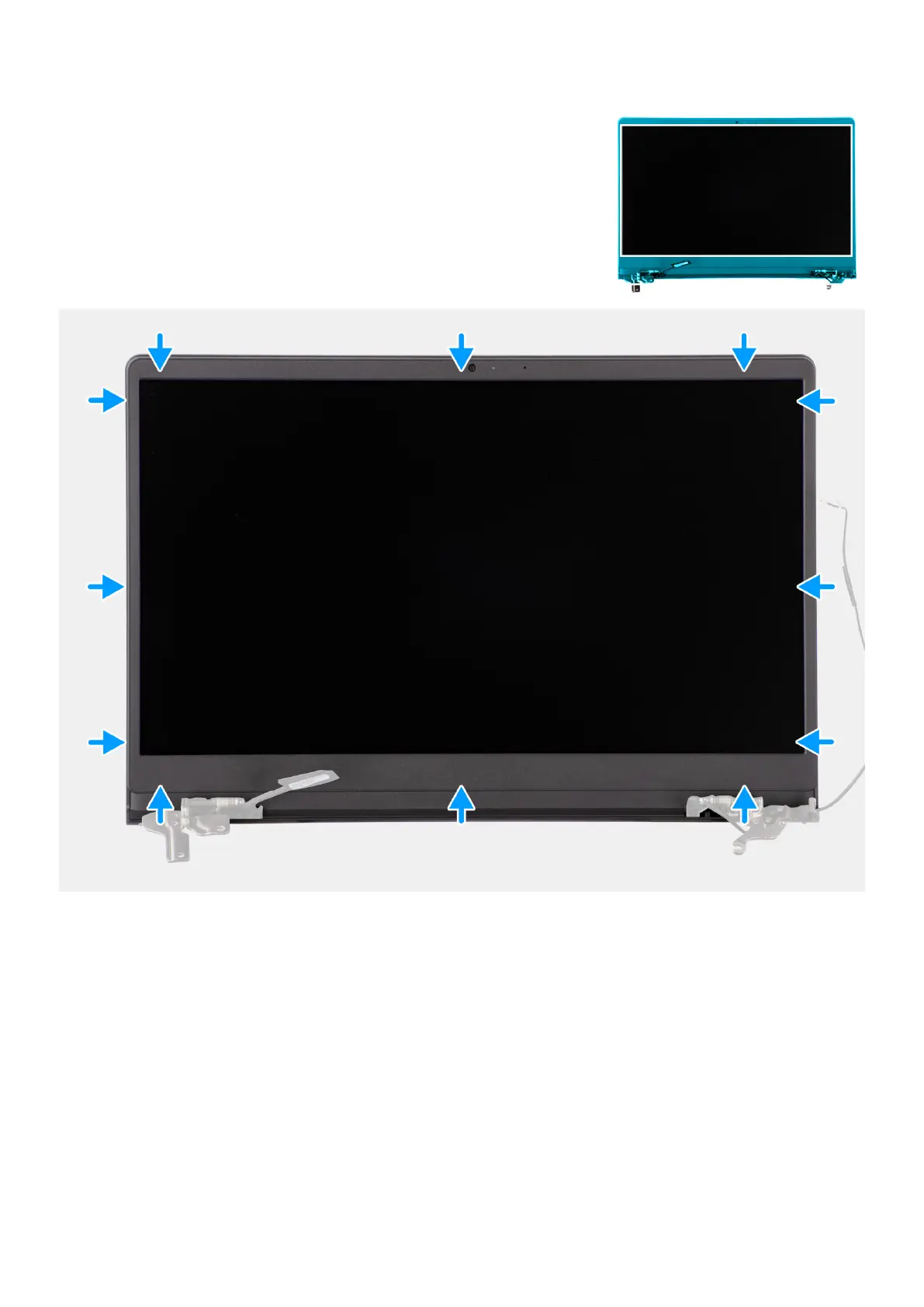
Steps
Align the display bezel with the display back-cover and antenna assembly, and then gently snap the display bezel into place.
Next steps
1. Install the hinge caps.
2. Install the plastic display assembly or aluminum display assembly (whichever applicable).
3. Install the wireless card.
4. Install the M.2 2230 solid state drive or M.2 2280 solid state drive (whichever applicable).
5. Install the memory modules.
6. Install the base cover.
7. Install the SD card.
8. Follow the procedure in After working inside your computer.
Removing and installing Field Replaceable Units (FRUs)
101



 To Next Page