Steps
1. Remove the four (M2.5x5) screws that secure the display hinges to the palm-rest and keyboard assembly.
2. Disconnect the display cable from the system board.
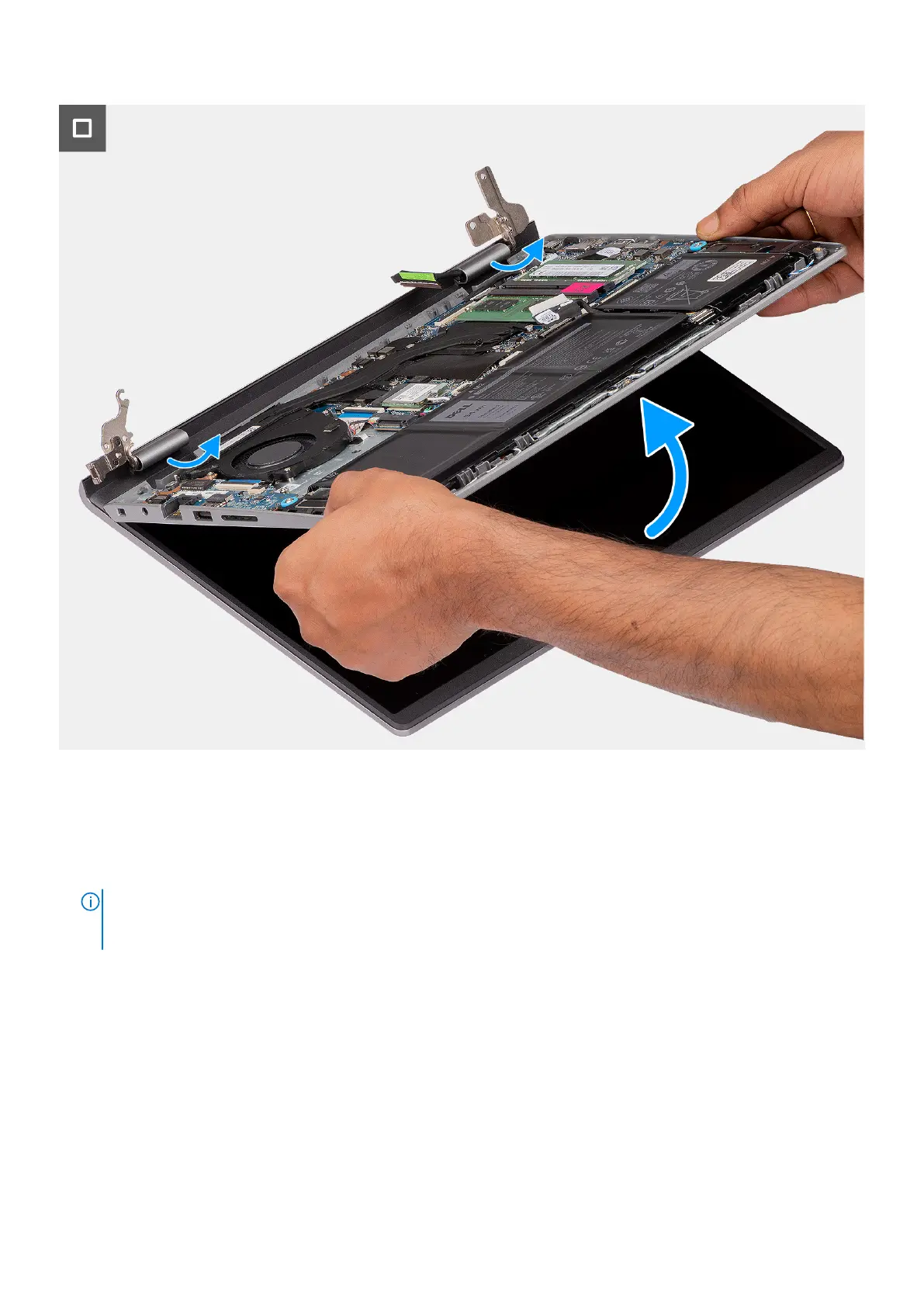
3. Open the display hinges at an angle of 90 degrees, and place the system on a flat surface.
4. Remove the display assembly from the palm-rest and keyboard assembly.
NOTE:
For systems with an aluminum chassis, the display assembly is a Hinge-Up Design (HUD) assembly and cannot
be further disassembled once it is removed from the bottom chassis. If any components in the display assembly
malfunction and needs replacement, the entire display assembly has to be replaced.
88 Removing and installing Field Replaceable Units (FRUs)



 To Next Page