About Your Monitor │ 13
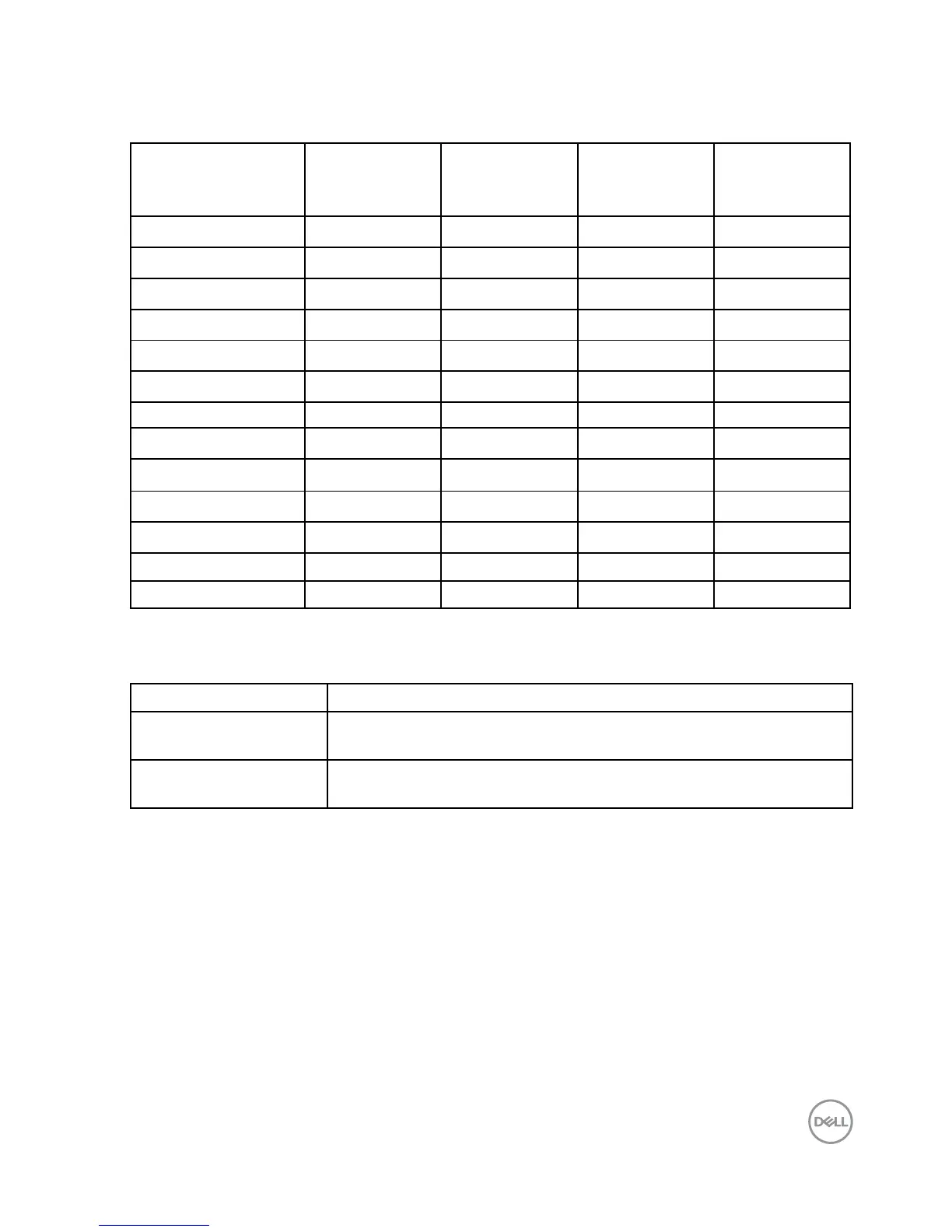
The following table lists the preset modes for which Dell guarantees image size and
centering:
Display Mode
Horizontal
Frequency
(kHz)
Vertical
Frequency
(Hz)
Pixel Clock
(MHz)
Sync Polarity
(Horizontal/
Vertical)
VESA, 720 x 400 31.5 70.1 28.3 -/+
VESA, 640 x 480 31.5 59.9 25.2 -/-
VESA, 640 x 480 37.5 75.0 31.5 -/-
VESA, 800 x 600 37.9 60.3 40.0 +/+
VESA, 800 x 600 46.9 75.0 49.5 +/+
VESA, 1024 x 768 48.4 60.0 65.0 -/-
VESA, 1024 x 768 60.0 75.0 78.8 +/+
VESA, 1152 x 864 67.5 75.0 108.0 +/+
VESA, 1280 x 1024 64.0 60.0 108.0 +/+
VESA, 1280 x 1024 80.0 75.0 135.0 +/+
VESA, 1600 x 900 60.0 60. 0 108.0 +/+
VESA, 1920 x 1080 67.5 60.0 148.5 +/+
VESA, 2560 x 1080 66.6 60.0 185.5 +/-
Electrical Specifications
Model number P3418HW
Video input signals HDMI 1.4/DP 1.2*, 600mV for each differential line, 100 ohm
input impedance per differential pair
AC input voltage /
frequency / current
100 VAC to 240 VAC / 50 Hz or 60 Hz ± 3 Hz / 4.0 A
(typical)
Preset Display Modes



 To Next Page