Operating the Monitor │ 47
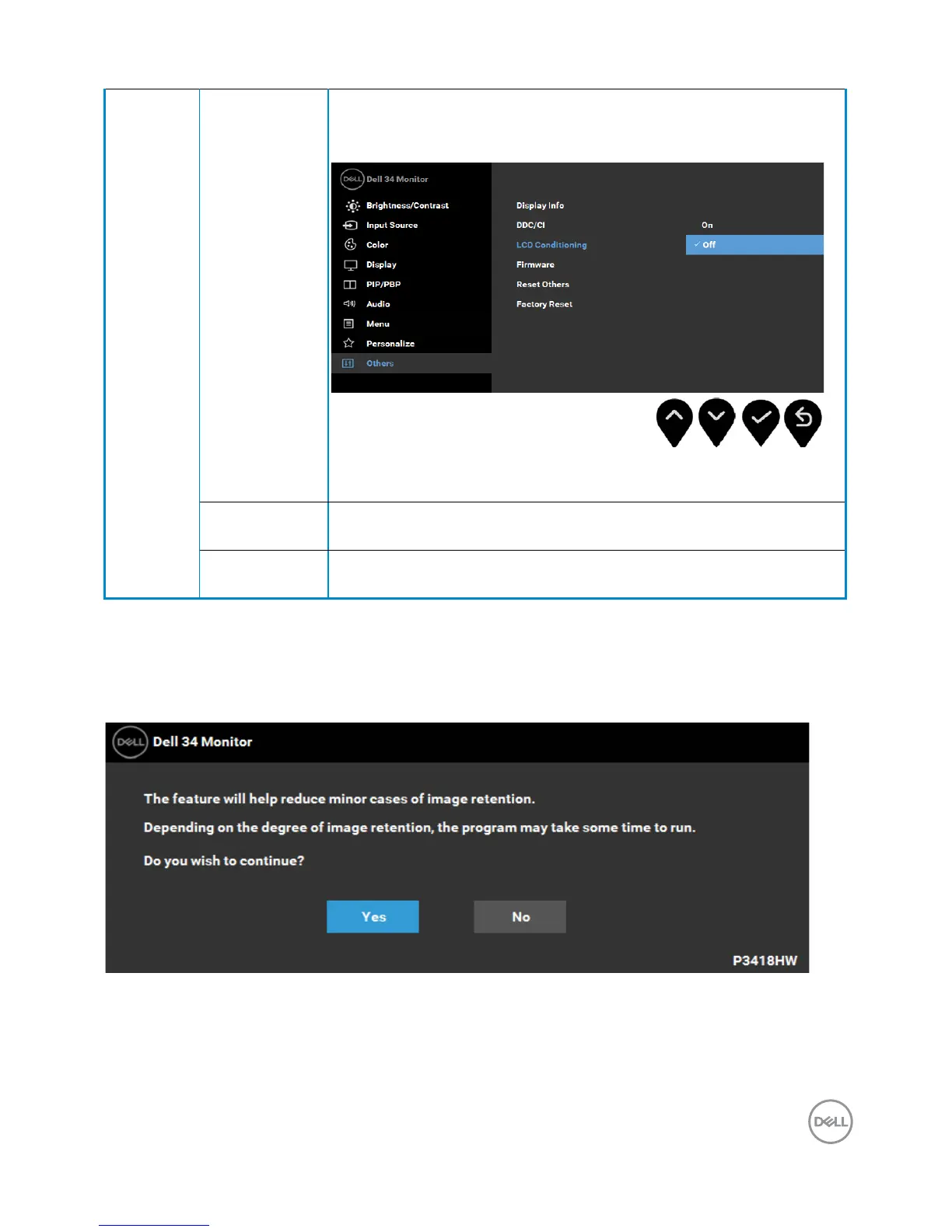
LCD
Conditioning
Helps reduce minor cases of image retention. Depending on
the degree of image retention, the program may take some
time to run. You can enable this feature by selecting Enable.
Reset Other Select this option to restore default other settings, such as
DDC/CI.
Factory
Reset
Resets all OSD settings to the factory preset values.
OSD Messages
When the Dynamic Contrast feature is enabled (in these preset modes: Game or
Movie), the manual brightness adjustment is disabled.
When the monitor does not support a particular resolution mode you will see the
following message:



 To Next Page