About Your Monitor │ 17
Power Management Modes
If you have VESA’s DPM compliance display card or software installed in your PC,
the monitor automatically reduces its power consumption when not in use. This
is referred to as Power Save Mode. If the computer detects input from keyboard,
mouse, or other input devices, the monitor automatically resumes functioning.
The following table shows the power consumption and signaling of this automatic
power-saving feature:
VESA Modes
Horizontal
Sync
Vertical
Sync
Video
Power
Indicator
Power Consumption
Normal operation Active Active Active White 120 W (Maximum)**
40 W (Typical)
Active-off mode Inactive Inactive Blank Glowing
white
Less than 0.5 W
Switch off - - Off Less than 0.3 W *
* Zero-power consumption in OFF mode can only be achieved by disconnecting the main
cable from the monitor.
**
Maximum power consumption with max luminance and contrast.
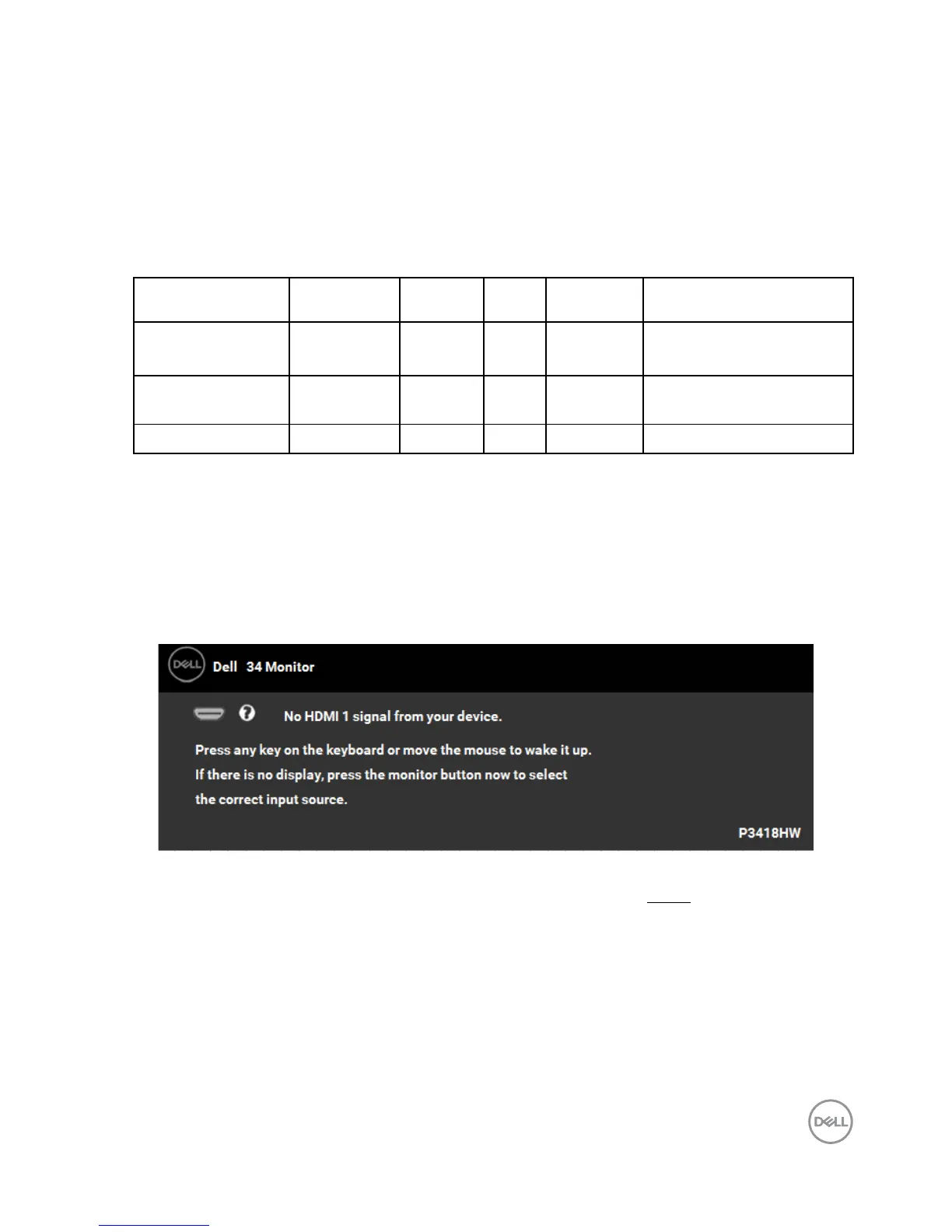
The OSD will only function in the normal operation mode. When any button
except power button is pressed in Active-off mode, the following messages will be
displayed:
Activate the computer and monitor to gain access to the OSD.



 To Next Page