26 │ Setting Up the Monitor
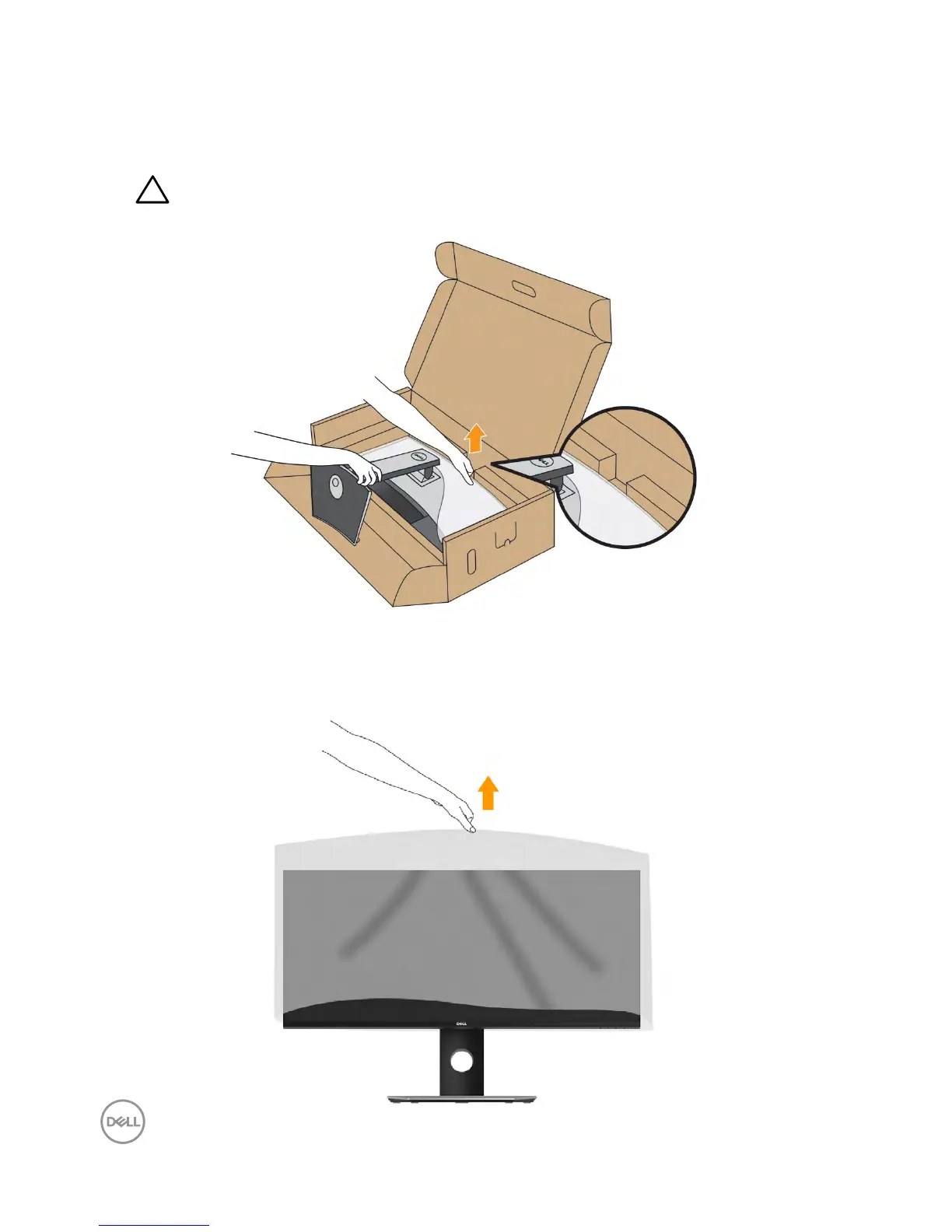
7. Place the monitor upright.
a. Slide one hand in the cutout area on the bottom cushion and use the other hand to
hold the stand.
b. Lift the monitor carefully to prevent it from slipping or falling.
CAUTION: Do not press on the panel screen when lifting the
monitor.
8. Remove the cover from the monitor.



 To Next Page