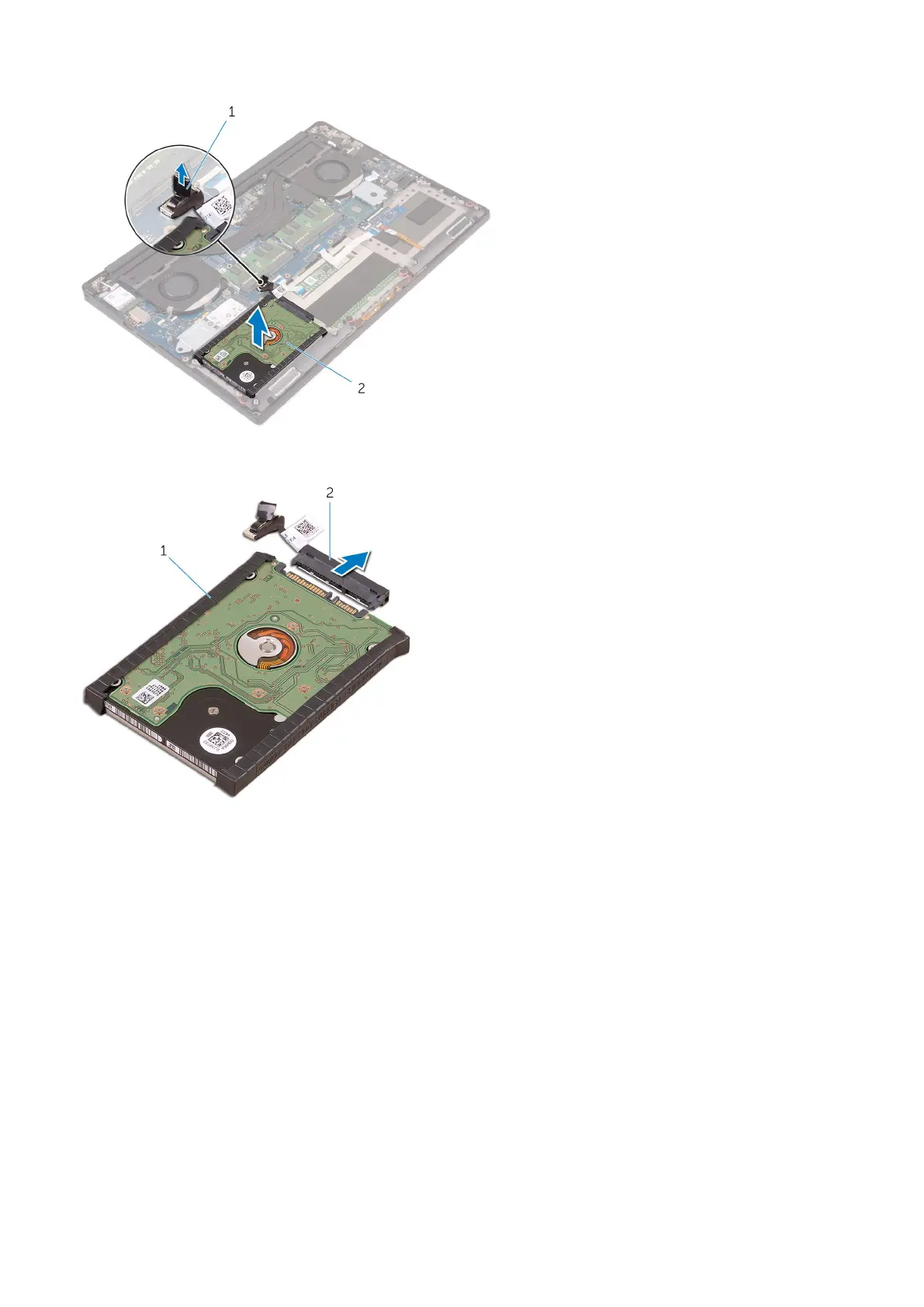
5. Disconnect the hard drive interposer from the hard drive assembly and then remove the hard drive covers away from the
hard drive [1,2].
Installing the Hard Drive -optional
Steps
1. Replace the hard-drive covers on the hard drive.
2. Connect the hard-drive interposer to the hard-drive assembly.
3. Place the hard-drive assembly on the palm-rest assembly.
4. Connect the hard-drive cable to the system board.
5. Align the screw holes on the hard-drive cage with the screw holes on the hard-drive assembly.
6. Replace the M2x4 (4) screws that secure the hard-drive cage to the palm-rest assembly.
7. Install the:
a. battery
b. base cover
8. Follow the procedures in After Working Inside Your Computer.
Disassembly and reassembly
23



 To Next Page