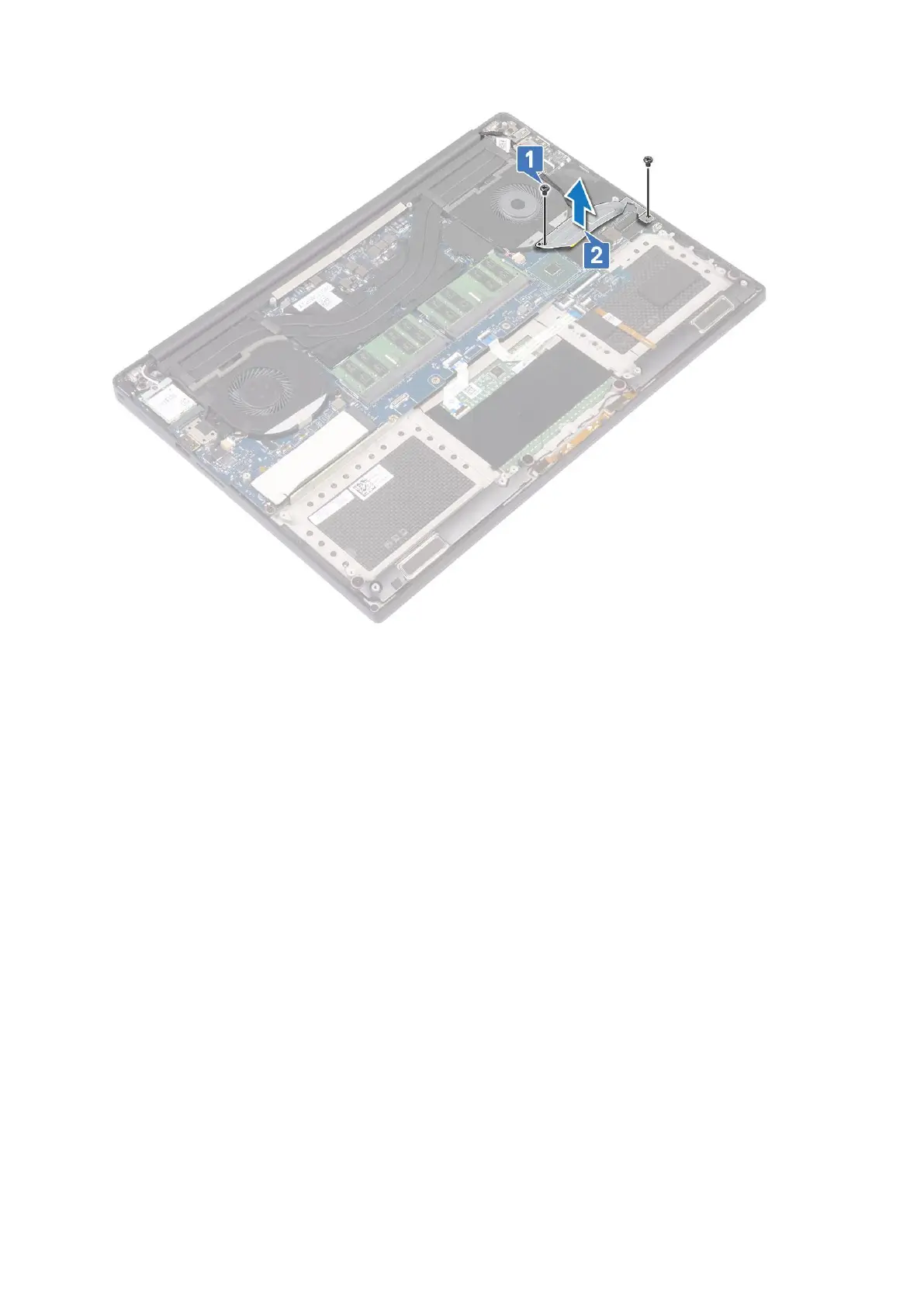
c. Disconnect the display cable from the system board [1].
d. Un-route the display cable from the restraints [2]
e. Disconnect the system fan cable from the system board [3].
f. Remove the M2x4 (2) screws that secure the system fan to the system board [4].
g. Lift the fan away from the laptop [5].
28
Disassembly and reassembly



 To Next Page