2. Remove the:
a. base cover
b. battery
c. WLAN card
d. display assembly
3. Gently place the system on a flat surface .
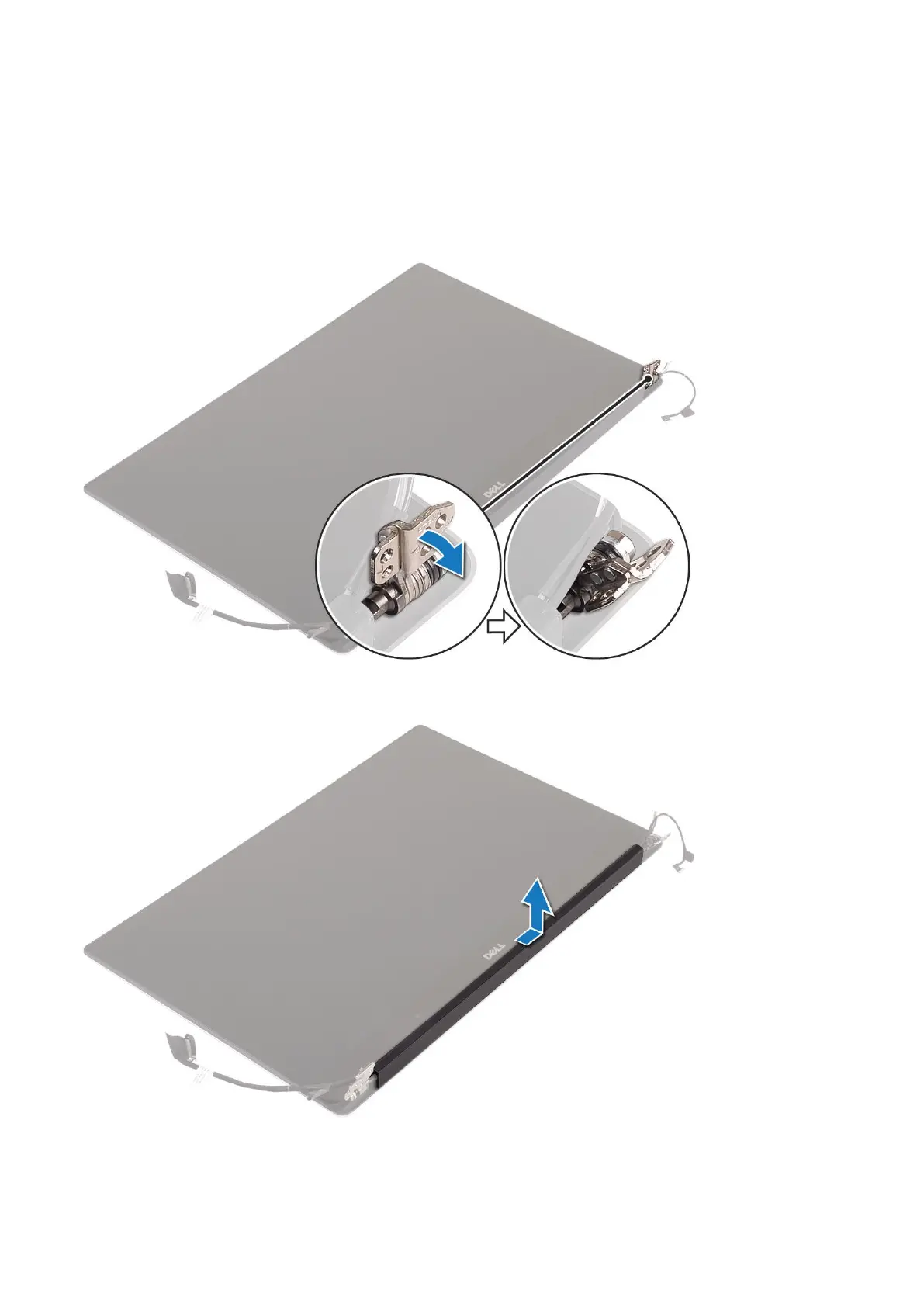
4. Rotate the hinges to angle 45° to release the antenna cable.
5.
Slide and lift the antenna cover away from the display assembly.
6. To remove the antenna module:
a. Remove the copper tapes that secure the antenna module [1].
42
Disassembly and reassembly



 To Next Page