Replacing the memory module
NOTE: Before working inside your computer, read the safety information that shipped with your computer and follow
the steps in Before working inside your computer. After working inside your computer, follow the instructions in After
working inside your computer. For more safety best practices, see the Regulatory Compliance home page at www.dell.com/
regulatory_compliance.
Topics:
• Procedure
• Post-requisites
Procedure
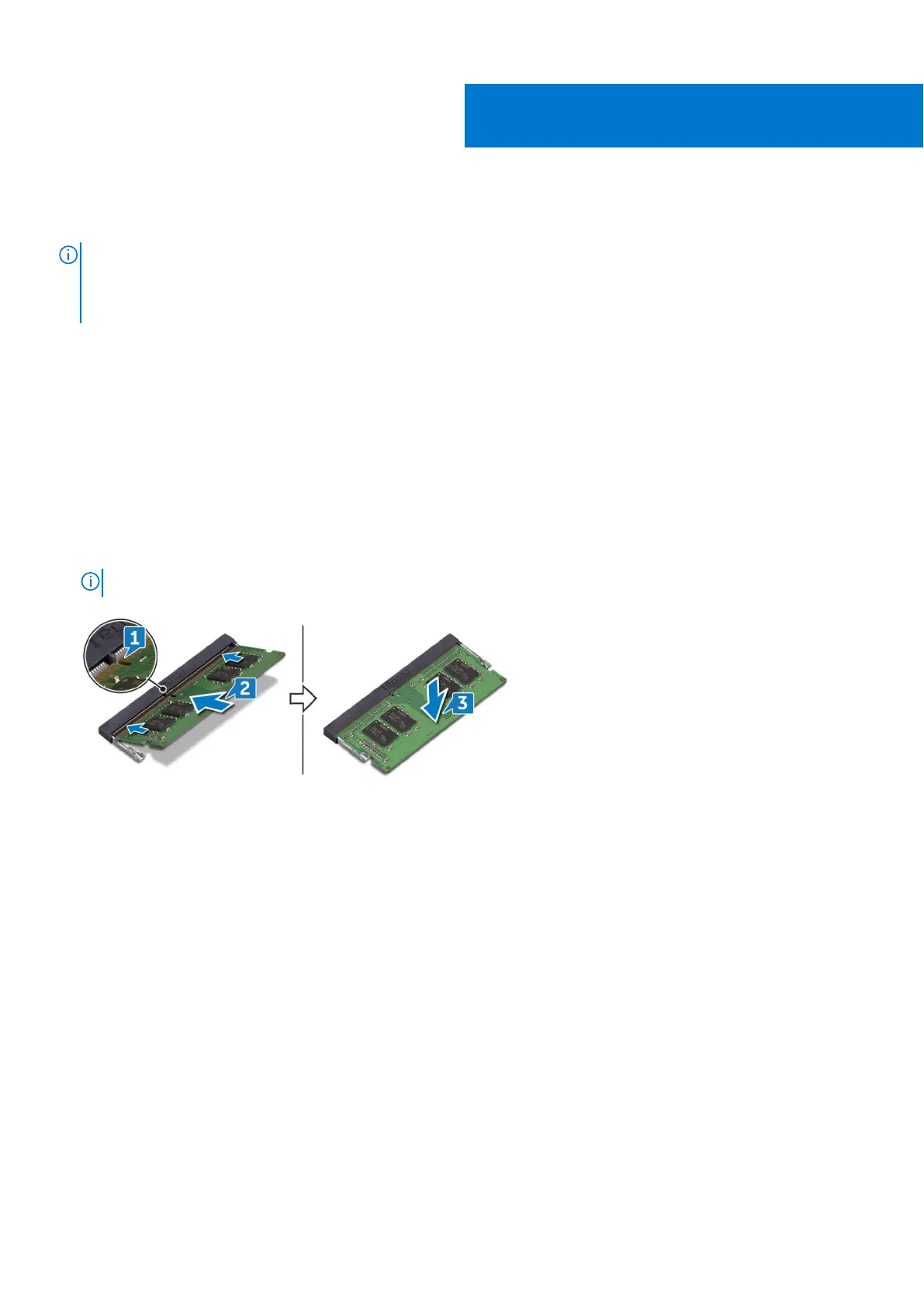
1. Lift the Mylar to access the memory-module slot.
2. Align the notch on the memory module with the tab on the memory-module slot.
3. Slide the memory module firmly into the slot at an angle.
4. Press the memory module down until it clicks into place.
NOTE: If you do not hear the click, remove the memory module and reinstall it.
Post-requisites
Replace the base cover.
8
Replacing the memory module 19



 To Next Page