Diagnostics
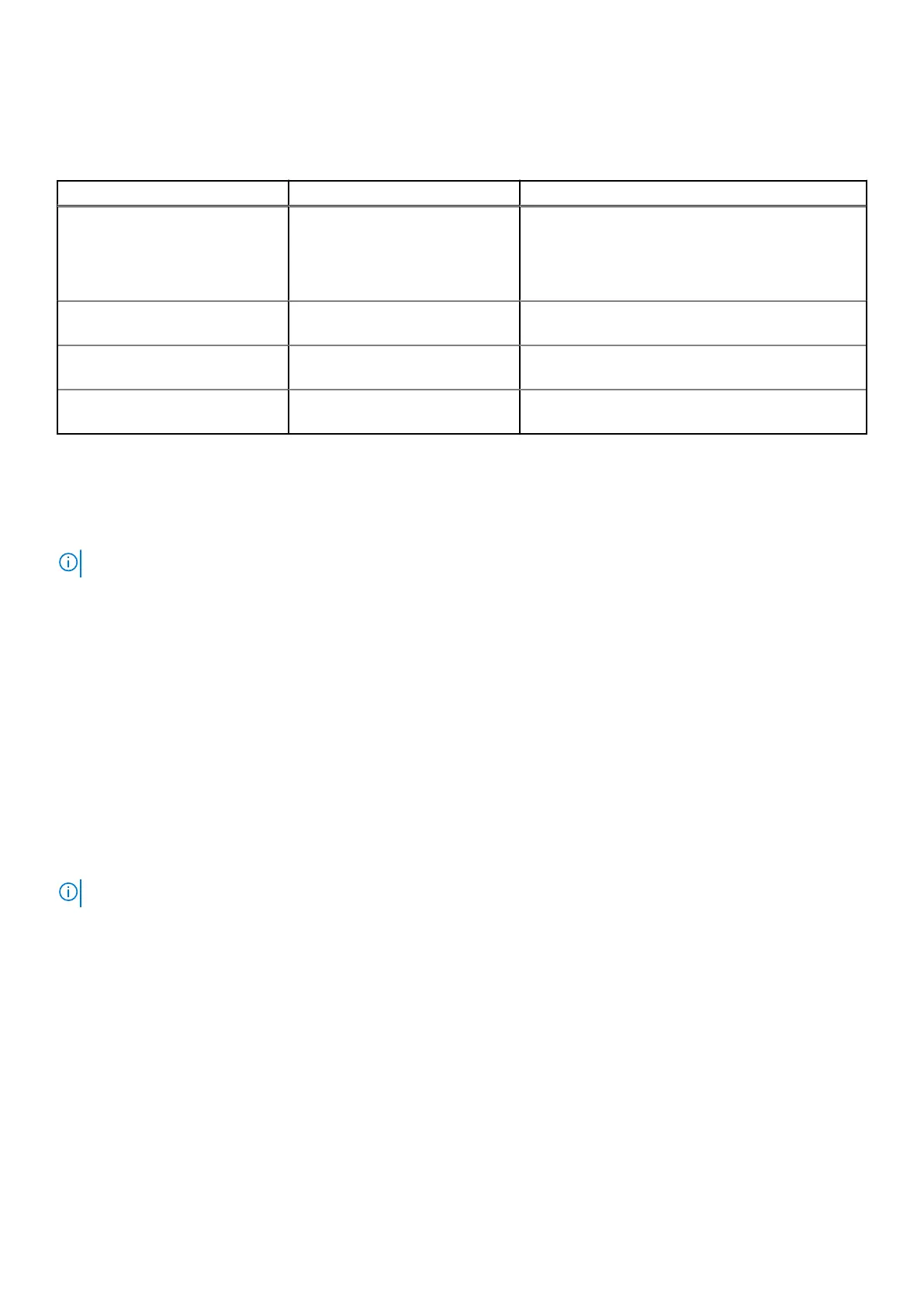
Table 15. Diagnostics
M-BIST L-BIST
Purpose of diagnostic tool Evaluates the health condition of
the system board to have further
resolution on "No Power", "No
Post", and "No Video" symptom
and reduce repeated dispatches.
Checks if the system board is supplying power to the
LCD display by performing an LCD Power Rail test,
which allows for isolation of "No Video" symptom to
Mainboard, LCD or Cable.
Trigger Pressing M key and Power button Integrated into the single LED error code diagnostic.
Automatically initiated during POST.
Indicator of fault Battery LED light with "Solid
Amber"
Battery indicator LED blink error code [Amber,
White] = [2,8]
Repair instruction Indicates a problem with the
system board.
Indicates a problem with the system board.
M-BIST
M-BIST is the system board's built-in self-test diagnostics tool that improves the diagnostics accuracy of system board
embedded controller (EC) failures. M-BIST can be manually initiated before POST.
NOTE: M-BIST can be manually initiated before POST(Power On Self Test).
How to run M-BIST?
M-BIST must be initiated on the system from a power-off state that is either connected to AC power or with battery only.
1. Press and hold both the M key on the keyboard and the power button to initiate M-BIST.
2. With both the M key and thepower button that is held down, the battery indicator LED may exhibit two states.
a. OFF: No fault detected with the system board.
b. SOLID AMBER: Indicates a problem with the system board.
L-BIST
L-BIST (LCD Power Rail Test) is an enhancement to the single LED error code diagnostics and is automatically initiated during
POST. L-BIST will check the LCD power rail. If there is no power being supplied to the LCD (i.e., the L-BIST circuit fails), the
battery status LED will flash an error code [2,8].
NOTE: If L-BIST fails, LCD-BIST cannot function as there is no power being supplied to the LCD.
Running the L-BIST
1. Press the power button to start up the system.
2. If the system does not start up normally, look at the battery status LED. If the battery status LED flashes an error code
[2,8], there is a failure on the LCD power rail of the system board, hence there is no power supplied to the LCD.
3. Replace the system board in this case.
System diagnostic lights
Battery-status light
Indicates the power and battery-charge status.
Troubleshooting
79



 To Next Page