Removing and installing components
Topics:
• Recommended tools
•
Screw List
• Base cover
• Battery
• Memory modules
• Hard drive
• Solid state drive
• WLAN card
• Coin-cell battery
• Speakers
• Input and output board
• Heatsink—discrete
• Heatsink—UMA
• System fan
• Touchpad
• Power-adapter port
• System board
• Power button
• Power button with fingerprint reader
• Display assembly
• Palmrest assembly
Recommended tools
The procedures in this document require the following tools:
● Phillips #0 screwdriver
● Phillips #1 screwdriver
● Plastic scribe
NOTE: The #0 screw driver is for screws 0-1 and the #1 screw driver is for screws 2-4
Screw List
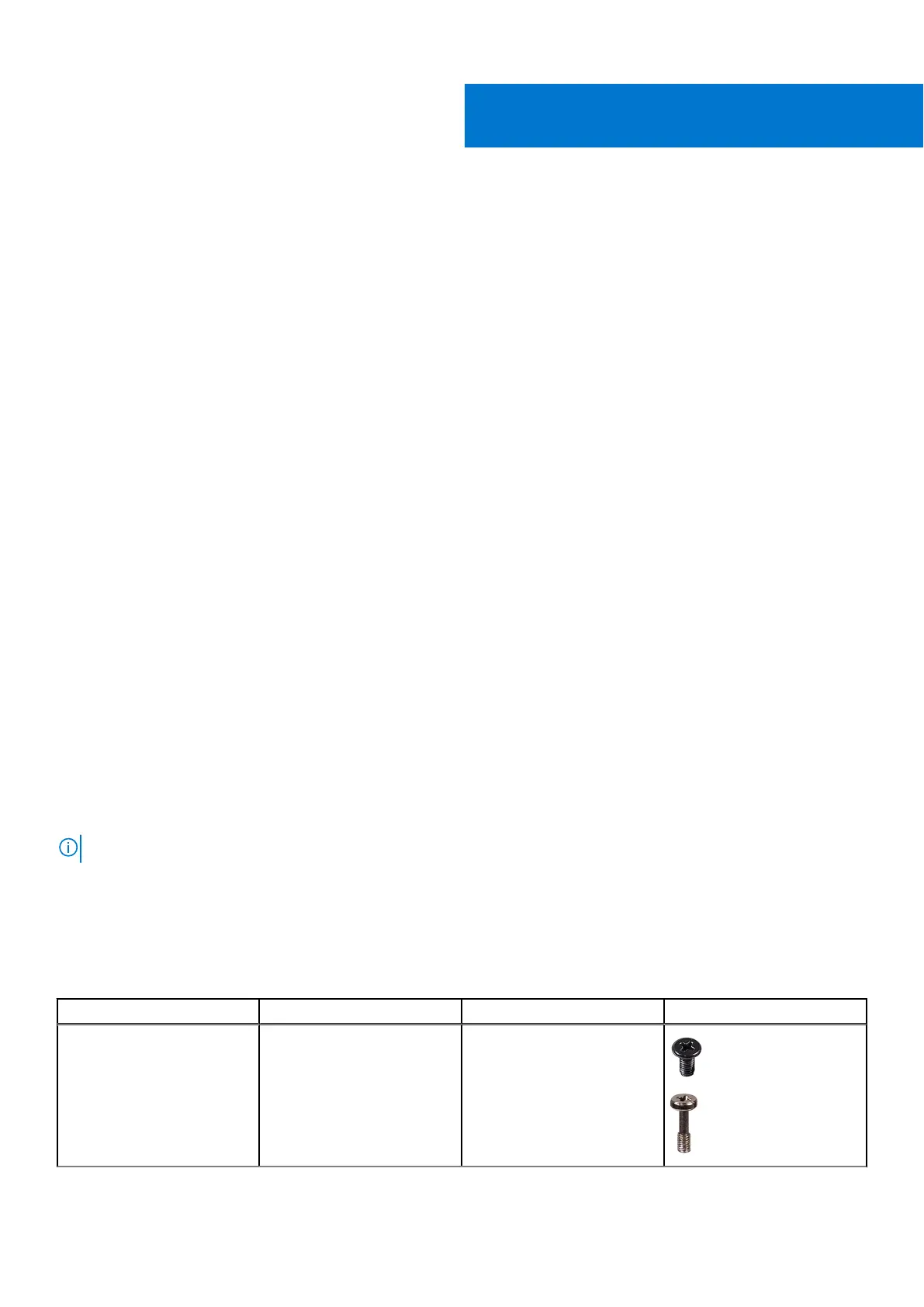
The following table shows the screw list and the images for different components.
Table 1. Screw Size List
Component Screw type Quantity Image
Base cover M2.5x5
M2X8 (captive screws)
7
2
2
8 Removing and installing components



 To Next Page