Table 5. Virtual disk specications for PERC S140 with NVMe conguration
Specication PERC S140
Maximum number of physical disks supported 16
NOTE: In a Linux RAID conguration maximum number of physical disks supported is
10.
Maximum number of virtual disks supported 16
Minimum virtual disk size 102 MB
Maximum number of physical disks per virtual disk 16
Maximum number of virtual disks per physical disk 16
Maximum number of physical disks in a volume 1
Maximum number of physical disks in a RAID 0 16
Maximum number of physical disks in a RAID 1 2
Maximum number of physical disks in a RAID 10 16
Minimum number of physical disks in a volume 1
Minimum number of physical disks in a RAID 0 2
Minimum number of physical disks in a RAID 1 2
Minimum number of physical disks in a RAID 10 4
Supported operating systems
The S140 controller supports the following operating systems:
• Microsoft Windows Server 2016
• Microsoft Windows Server 2012 R2
• RHEL 7.3
• RHEL 7.4
• SLES 12 SP2
NOTE
: For the latest list of supported operating systems and driver installation instructions, see the system
documentation at dell.com/operatingsystemmanuals. For specic operating system service pack requirements, see the
Drivers and Downloads section at dell.com/support/manuals.
Supported PowerEdge systems
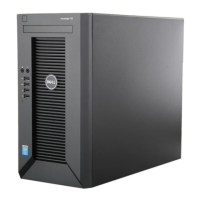
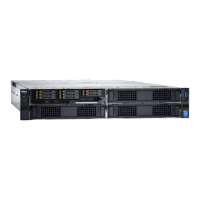
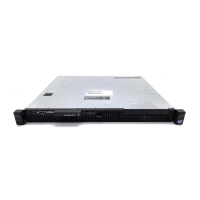
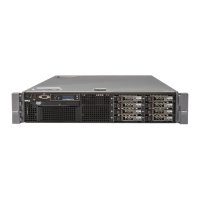
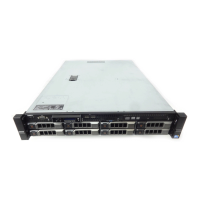
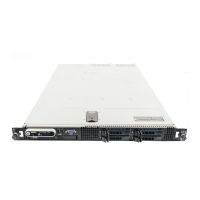
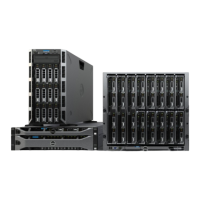
The following PowerEdge systems support the S140 controller:
• PowerEdge T440
• PowerEdge T640
• PowerEdge R740
• PowerEdge R740xd
• PowerEdge R440
• PowerEdge R540
• PowerEdge R640
• PowerEdge R940
• PowerEdge C6420
• PowerEdge M640
Overview
9






 To Next Page