Adding and Replacing Parts 101
3
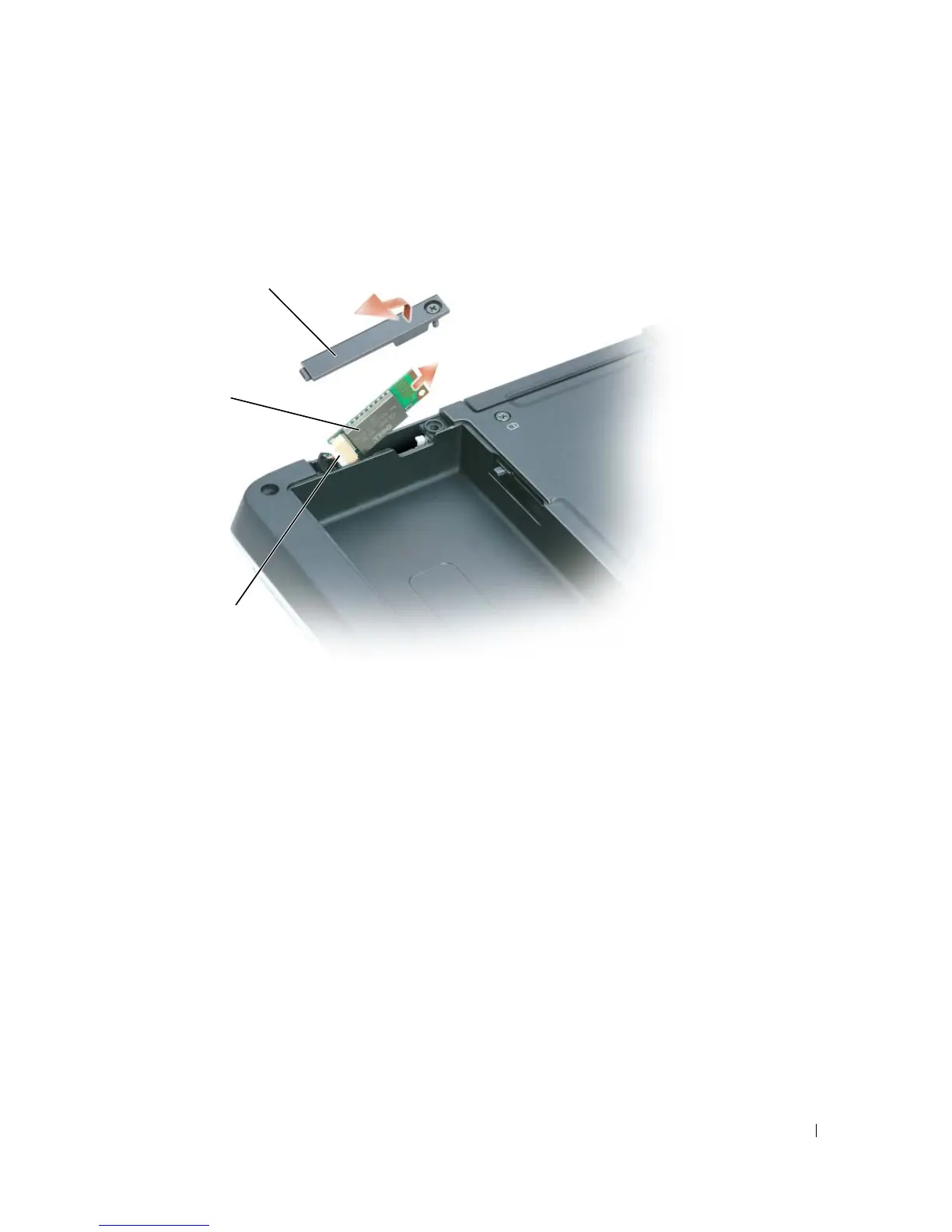
Loosen the captive screw and remove the card cover from the computer.
4
Pull the card out of the compartment so that you can disconnect the card from its cable and
remove it from the computer.
5
To replace the card, connect the card to the cable and then carefully insert it into the
compartment.
6
Replace the card cover and tighten the screw.
7
Replace the battery.
cover
card
cable



 To Next Page