Finding Information 9
Finding Information
NOTE: Some features may not be available for your computer or in certain countries.
NOTE: Additional information may ship with your computer.
What Are You Looking For? Find It Here
• Warranty information
• Terms and conditions (U.S. only)
• Safety instructions
• Regulatory information
• Ergonomics information
• End user license agreement
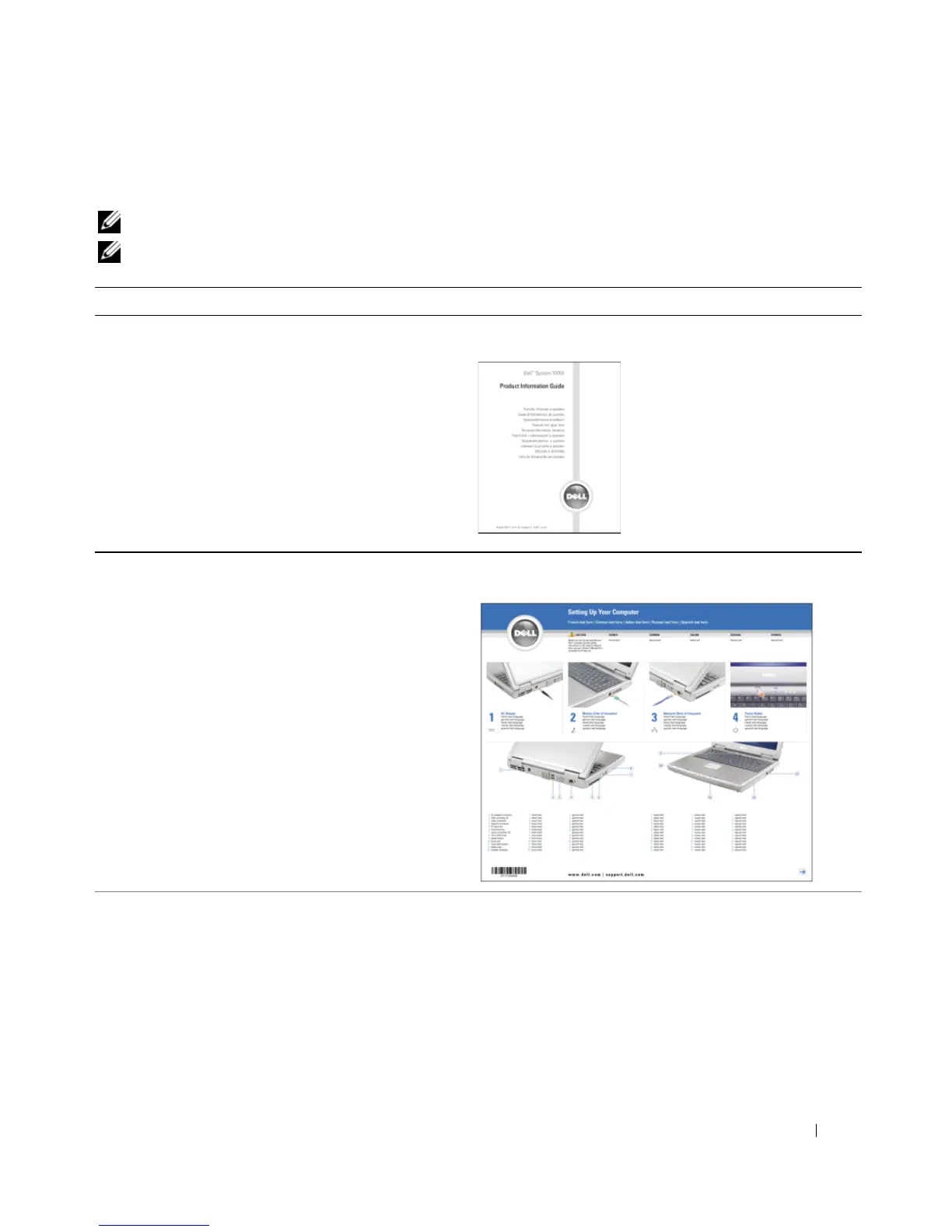
Dell™ Product Information Guide
• How to set up my computer
Setup Diagram
• Tips on using Microsoft
®
Windows
®
• How to play CDs and DVDs
• How to use standby mode and hibernate mode
• How to change my display resolution
• How to clean my computer
Help File
1
Click the
Start
button and click
Help and Support
.
2
Click
User and system guides
and click
User’s guides
.
3
Click
Dell Help
.


 To Next Page