A Tour of Your Computer 13
A Tour of Your Computer
Front View
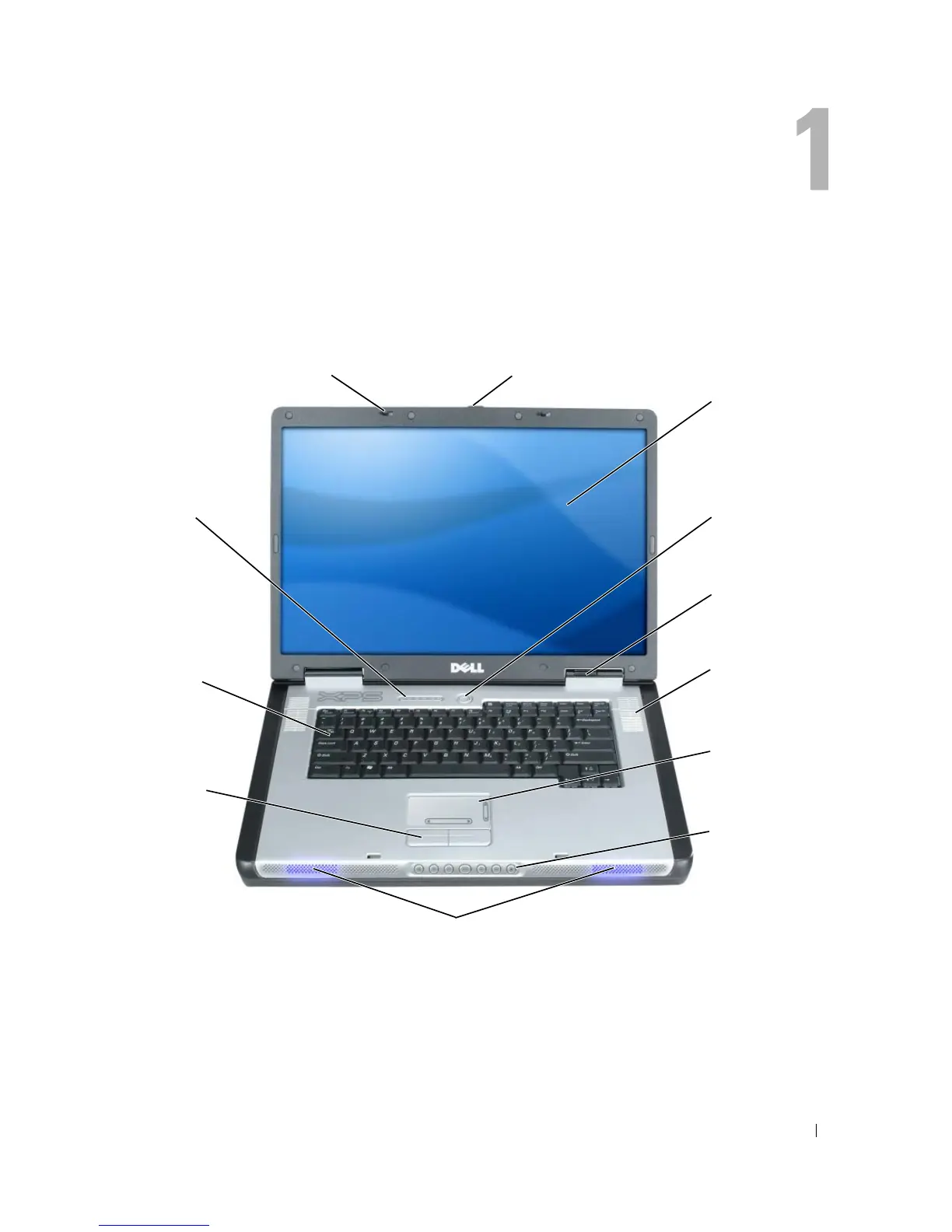
DISPLAY LATCHES — Keeps the display closed.
DISPLAY LATCH RELEASE — Slide this to release the display latches and open the display.
DISPLAY — For more information about your display, see the Dell™ Help file. To access the help file, see
page 9.
display latch release
keyboard
display
touch pad
touch pad
buttons (2)
power button
speakers (2) and customizable lights
keyboard status
lights (5)
device status
lights (3)
media control
buttons (7)
display latches (2)
air vents (2)



 To Next Page