A Tour of Your Computer 15
If the computer is running on a battery, the light operates as follows:
• Off: The battery is adequately charged (or the computer is turned off).
• Flashing orange: The battery charge is low.
• Solid orange: The battery charge is critically low.
AIR VENTS (2) — The computer uses fans to create airflow through the vents, which prevents the
computer from overheating.
CAUTION: Do not block, push objects into, or allow dust to accumulate in the air vents. Do not store
your computer in a low-airflow environment, such as a closed briefcase, while it is running. Restricting
the airflow can damage the computer or cause a fire.
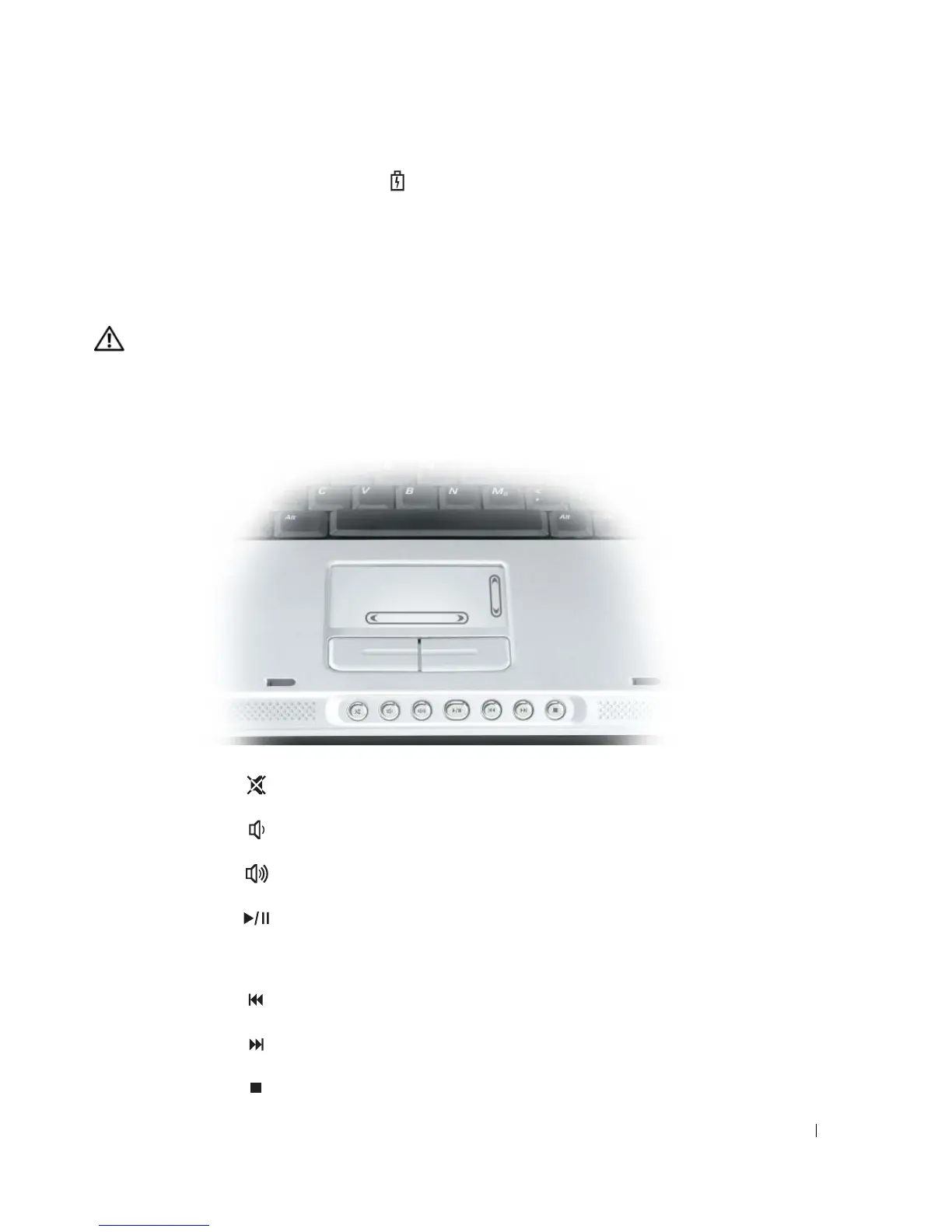
TOUCH PAD — Provides the functionality of a mouse.
MEDIA CONTROL BUTTONS — Control CD, DVD, and Media Player playback.
Mutes the sound.
Turns the volume down.
Turns the volume up.
Play or pause. This button also launches Dell Media
Experience or Microsoft
®
Windows
®
Media Center
Edition. See "Using Dell MediaDirect" on page 37.
Plays the previous track.
Plays the next track.
Stop.



 To Next Page