Using PC Cards 53
CAUTION: Before you begin any of the procedures in this section, follow the safety instructions in the
Product Information Guide.
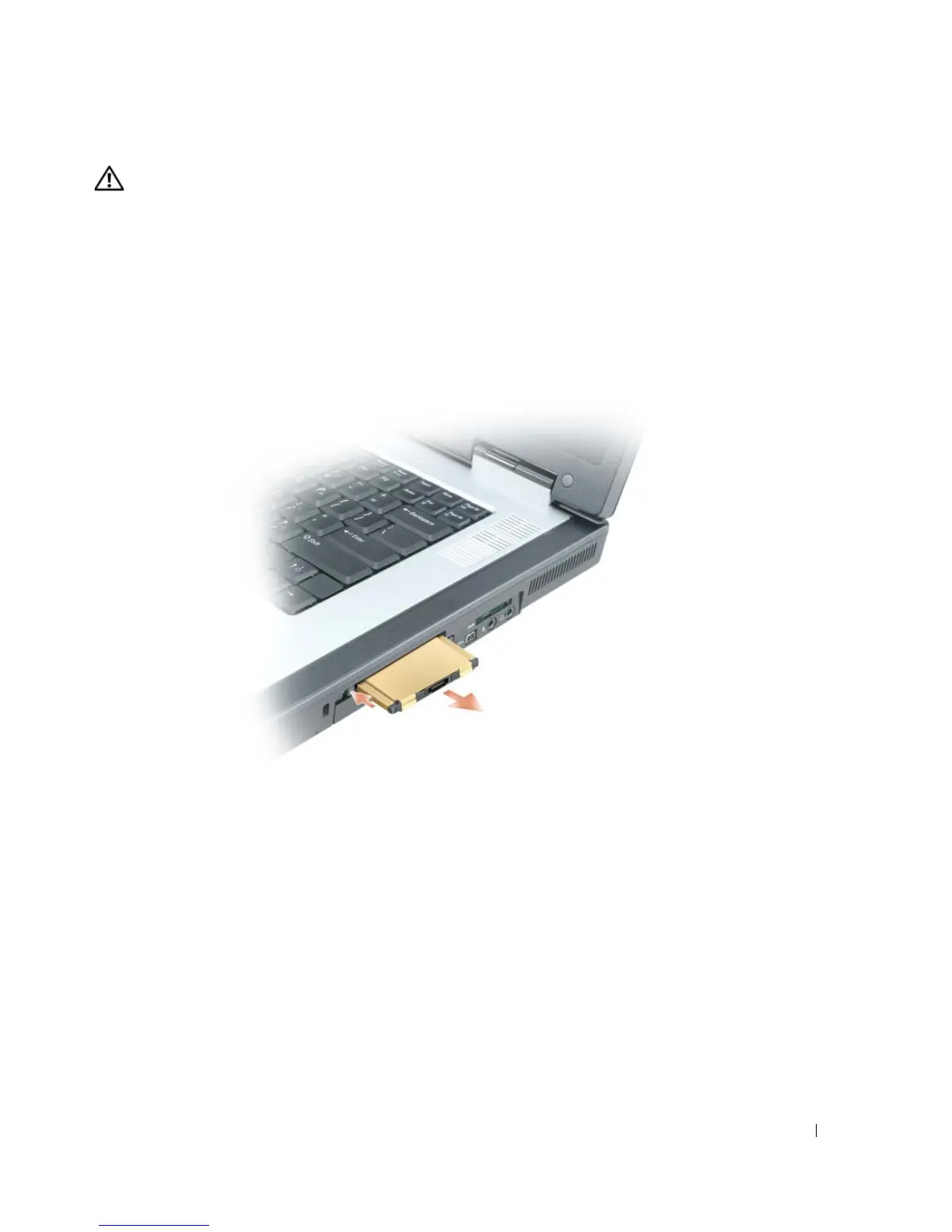
1
Press the latch and remove the card or blank.
For some latches, you must press the latch twice: once to pop the latch out, and then a second
time to pop the card out.
2
Remove the card or blank.
Save a blank to use when no PC Card is installed in a slot. Blanks protect unused slots from dust
and other particles.



 To Next Page