98 Adding and Replacing Parts
www.dell.com | support.dell.com
3
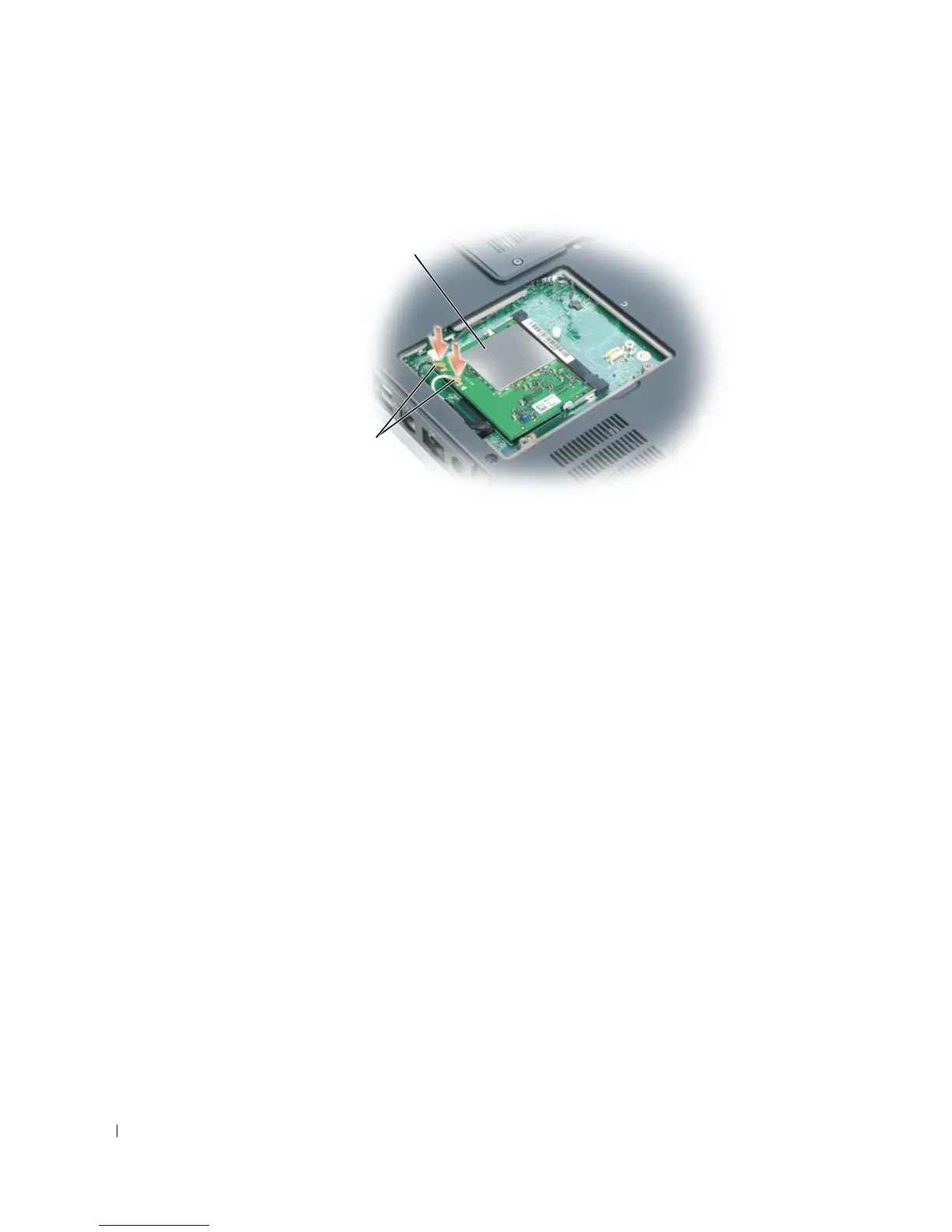
Disconnect the antenna cables from the Mini PCI card.
4
Remove the hinge cover. See page 94.
5
Remove the four screws securing the display.
6
Use the pull-tab to disconnect the display cable from the system board, and remove the cable
from the routing channel.
7
Disconnect the customizable-light cable from the system board, and remove the cable from
the routing channel.
Mini PCI card
antenna cables



 To Next Page