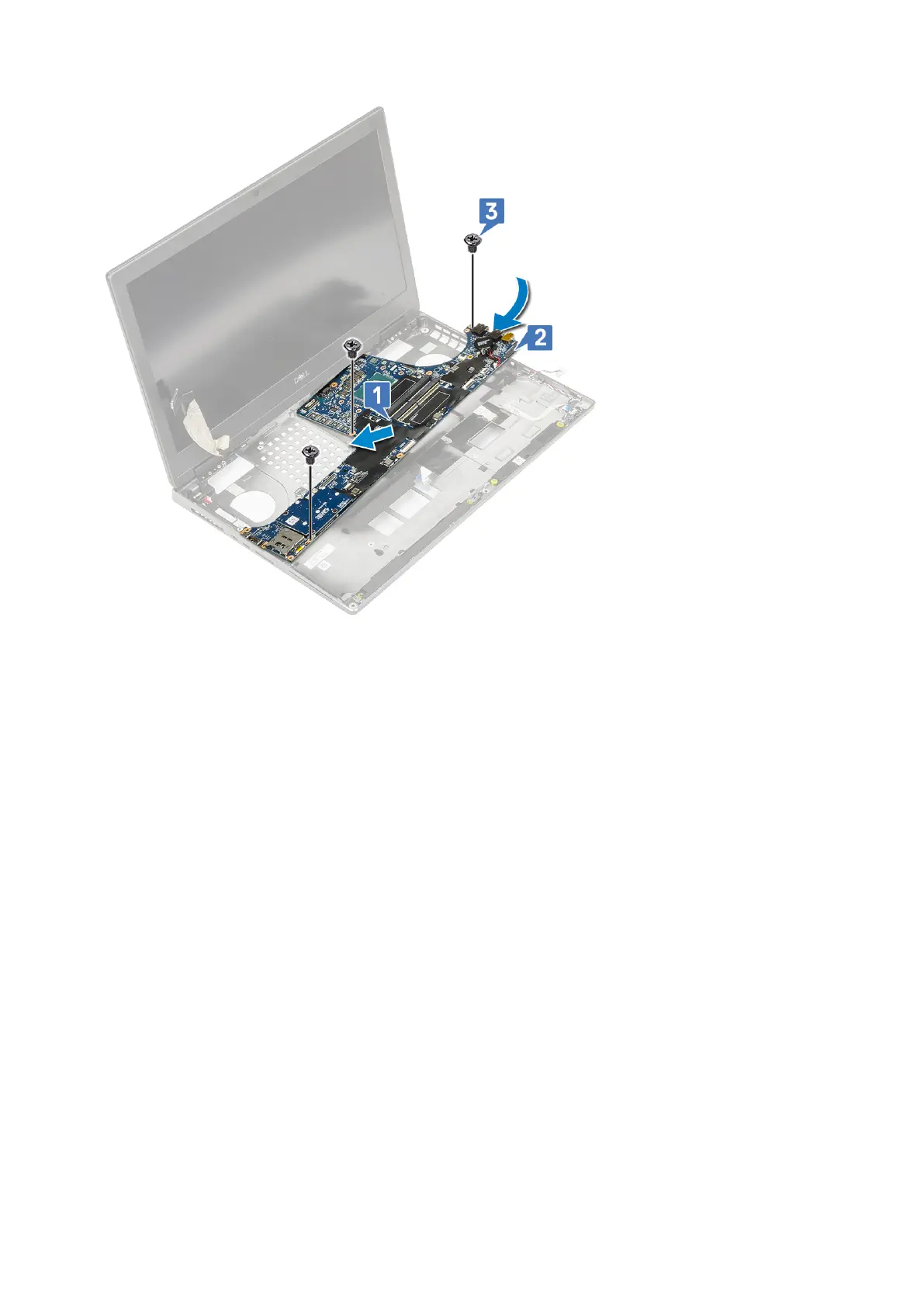
c. Connect the touchpad cable, LED board cable and speaker to the connectors on the system board [4, 3, 2] and affix the
coin cell battery to the system [1].
d. Place the Type-C USB bracket onto its slot on the system [5].
e. Replace the 3 (M2.0x5.0) screws to secure the Type-C USB bracket to the system [6].
Removing and installing components
79















 To Next Page