22
Dell Pair reports a pairing error
Proceed to reconnect through Dell Pair with the following steps:
1. If a Bluetooth device is near the computer or in pairing mode,
or if Dell Pair UI assists with the pairing process.
2.Wait for pairing error window to auto-
remove the Bluetooth device from the computer.
3.Bring the Bluetooth device closer to the computer.
4.Ensure that the Bluetooth device is in pairing mode and the
pairing LED is blinking.
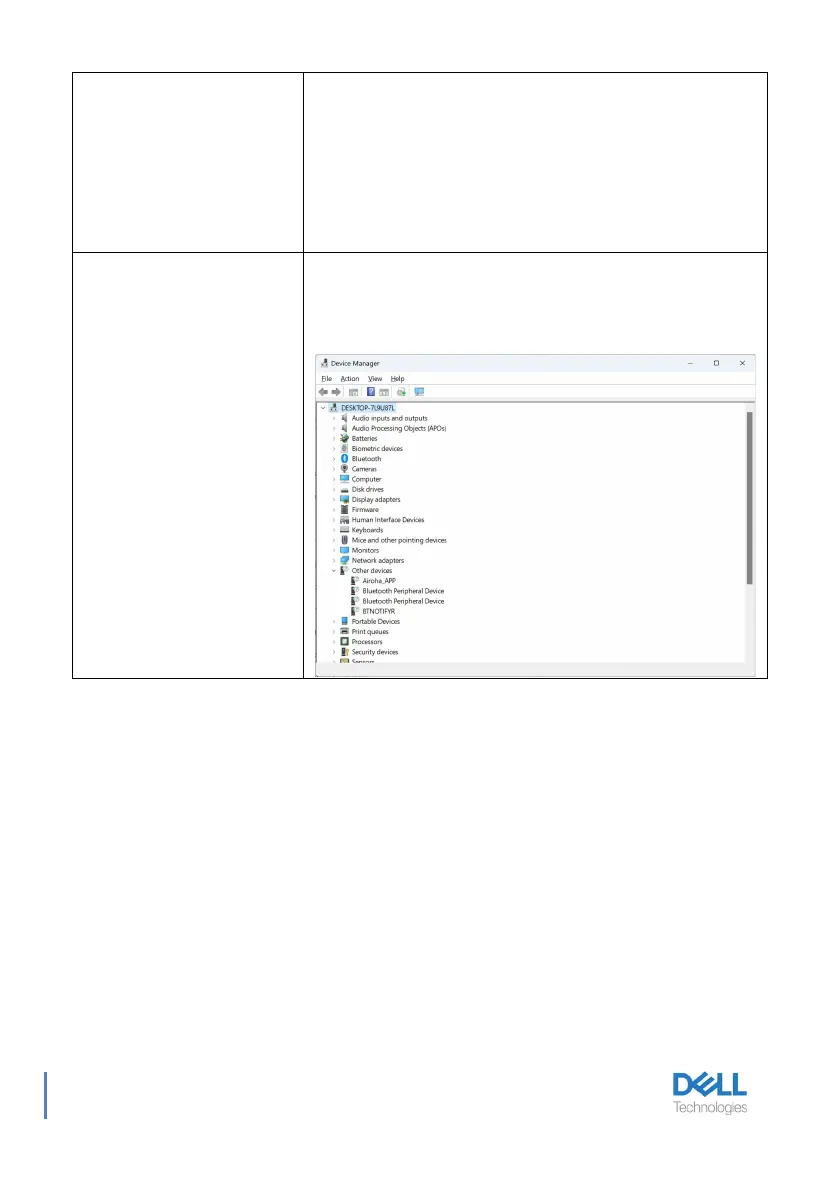
Multiple devices with a (?) are
found in Device Manager
They are proprietary Bluetooth features or profiles that are
supported by WL5024. They are crucial for the proper
functionality of Android/iOS phones. Since Windows is not using
these profiles, Device Manager displays a (?) when no driver is
loaded for these profiles.



 To Next Page