8
Connecting the headset
Bluetooth connection
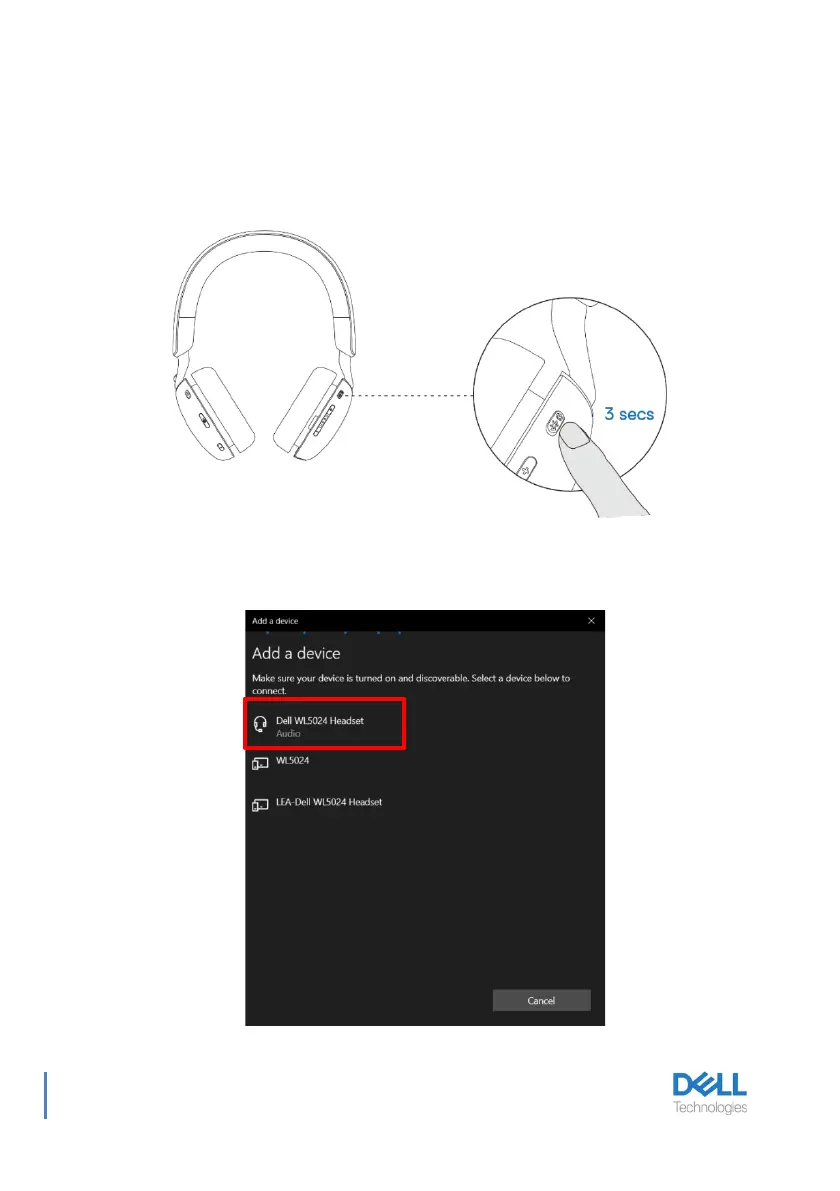
Press and hold the power button for 3 seconds to start the pairing mode and you hear a
Bluetooth pairing voice prompt. The power LED blinks blue in a fast pace while pairing. Once
paired, the power LED lights up for 3 seconds and slowly blinks in blue.
When pairing the headset to the computer through Windows Setting app, go to Add a device
and select Dell WL5024 Headset to connect.



 To Next Page