6
Headset Setup
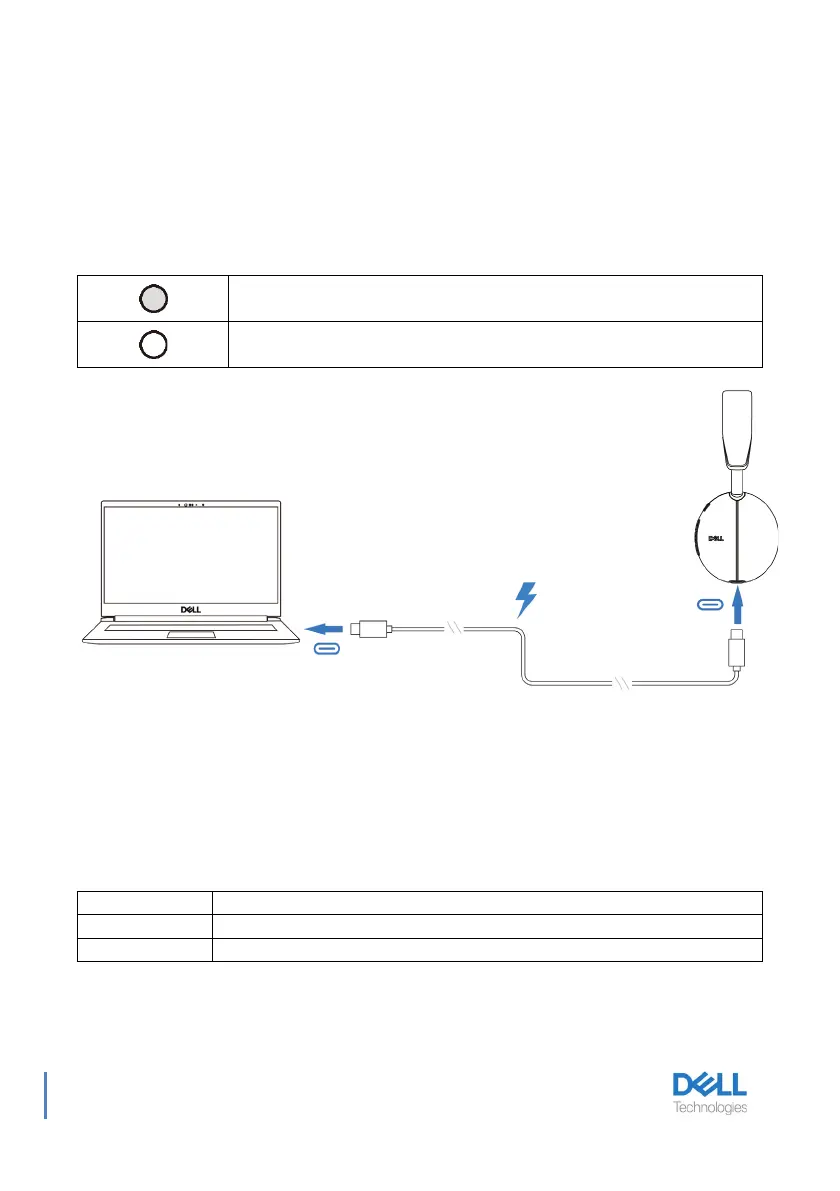
Charging the headset
T
o charge the headset, connect the USB-C charging cable to the computer. Power LED
and Busy light LED light up white during charging. Battery charging time to fully charge the
headset is about 2.5 hour.
Battery Status
User can hear Battery high/medium/low voice prompt when turning on the headset.
battery high voice prompt when battery level at 70%~100%, battery medium voice prompt
when battery level at 69%~10%, battery low voice prompt when battery level under 10%
and right before power off.
Battery Life
Fully charged
Power LED and Busy light LED turns off when fully charged.
While charging
Power LED and Busy light LED lights up white while charging.
Up to 34hrs (ANC&Busy light off)/Up to 20hrs (ANC&Busy light on)
Up to 78hrs (ANC off)/Up to 50hrs (ANC on)
Headset turns into sleep mode after 4 hours of inactivity.



 To Next Page