Setting up the monitor | 33
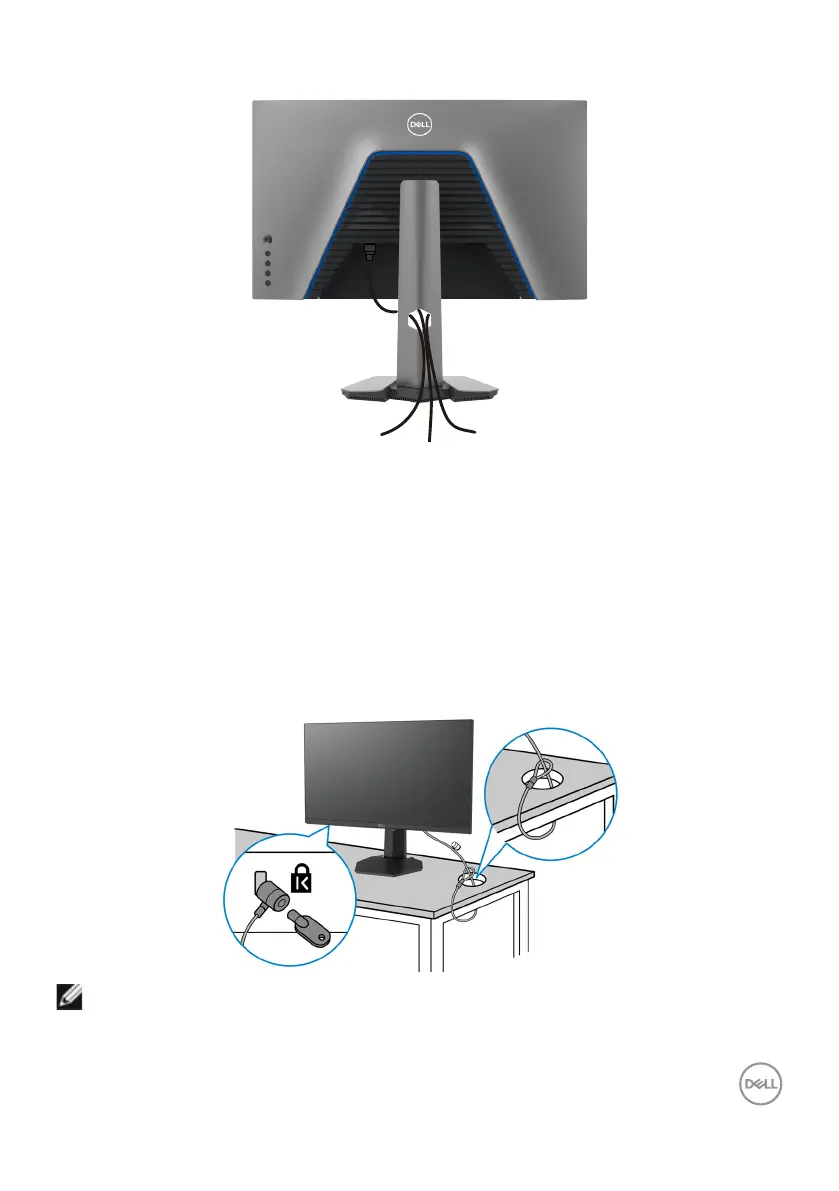
Organizing your cables
After attaching all necessary cables to your monitor and computer, (see Connect-
ing Your Monitor for cable attachment) organize all cables as shown above.
Securing your monitor using Kensington lock (optional)
Thesecuritylockslotislocatedatthebottomofthemonitor.(SeeSecurity lock
slot)
FormoreinformationonusingtheKensingtonlock(purchasedseparately),seethe
documentationthatisshippedwiththelock.
SecureyourmonitortoatableusingtheKensingtonsecuritylock.
NOTE: The image is for the purpose of illustration only. Appearance of the
lock may vary.



 To Next Page