52 | Operating the monitor
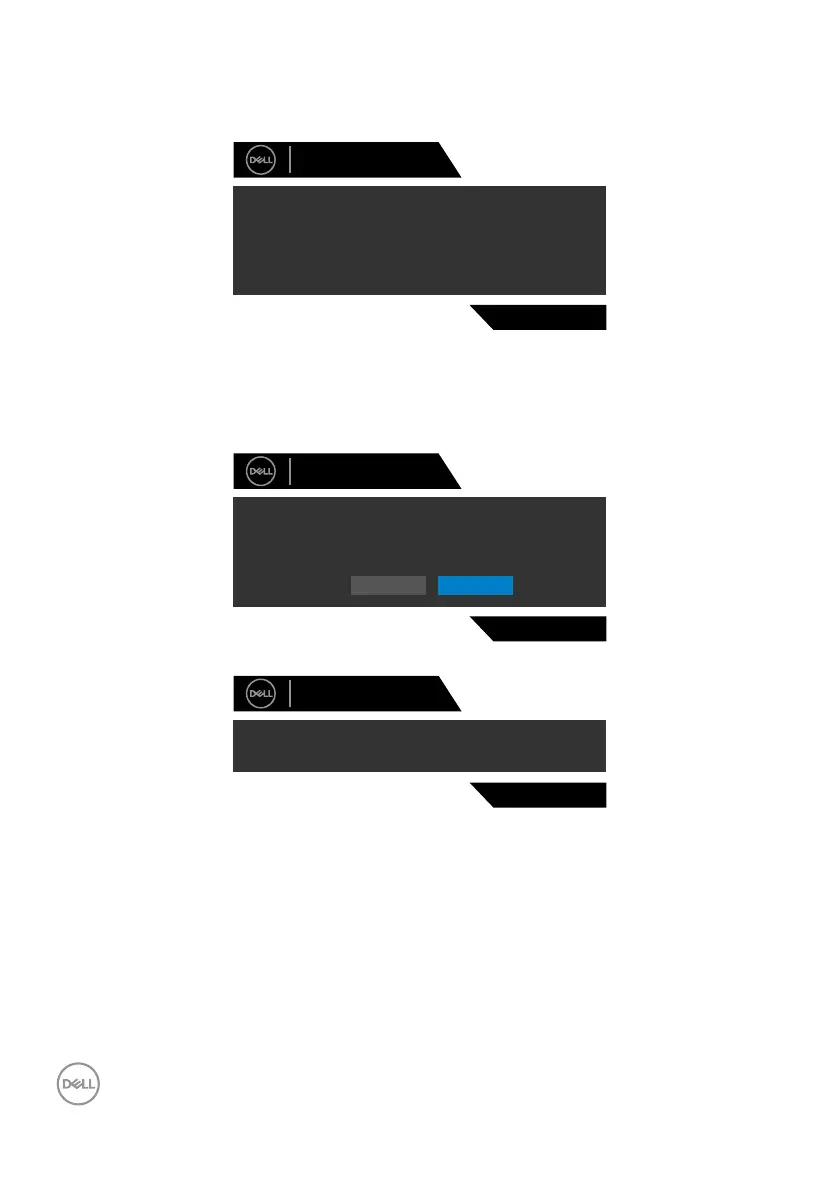
OSD warning messages
Whenthemonitordoesnotsupportaparticularresolutionmode,youcanseethe
followingmessage:
Dell 27 Gaming Monitor
S2721DGF
The current input timing is not supported by the monitor display. Please
change your input timing to
listed timing as per the monitor specifications.
2560x1440, 60Hz or any other monitor
Thismeansthatthemonitorcannotsynchronizewiththesignalthatitisreceiving
fromthecomputer.SeeMonitor SpecificationsfortheHorizontalandVertical
frequencyrangesaddressablebythismonitor.Recommendedmodeis2560x1440.
YoucanseethefollowingmessagebeforetheDDC/CIfunctionisdisabled:
The function of adjusting display setting using PC application will be
disabled.
Do you wish to disable DDC/CI function?
Yes No
S2721DGF
Dell 27 Gaming Monitor
WhenthemonitorentersthePowerSavemode,thefollowingmessagewillappear:
S2721DGF
Entering Power Save Mode.
Dell 27 Gaming Monitor
ActivatethecomputerandwakeupthemonitortogainaccesstotheOSD.



 To Next Page