40 | Operating the monitor
Using the On-Screen Display (OSD) Menu
Accessing the menu system
Icon Menu and
Submenus
Description
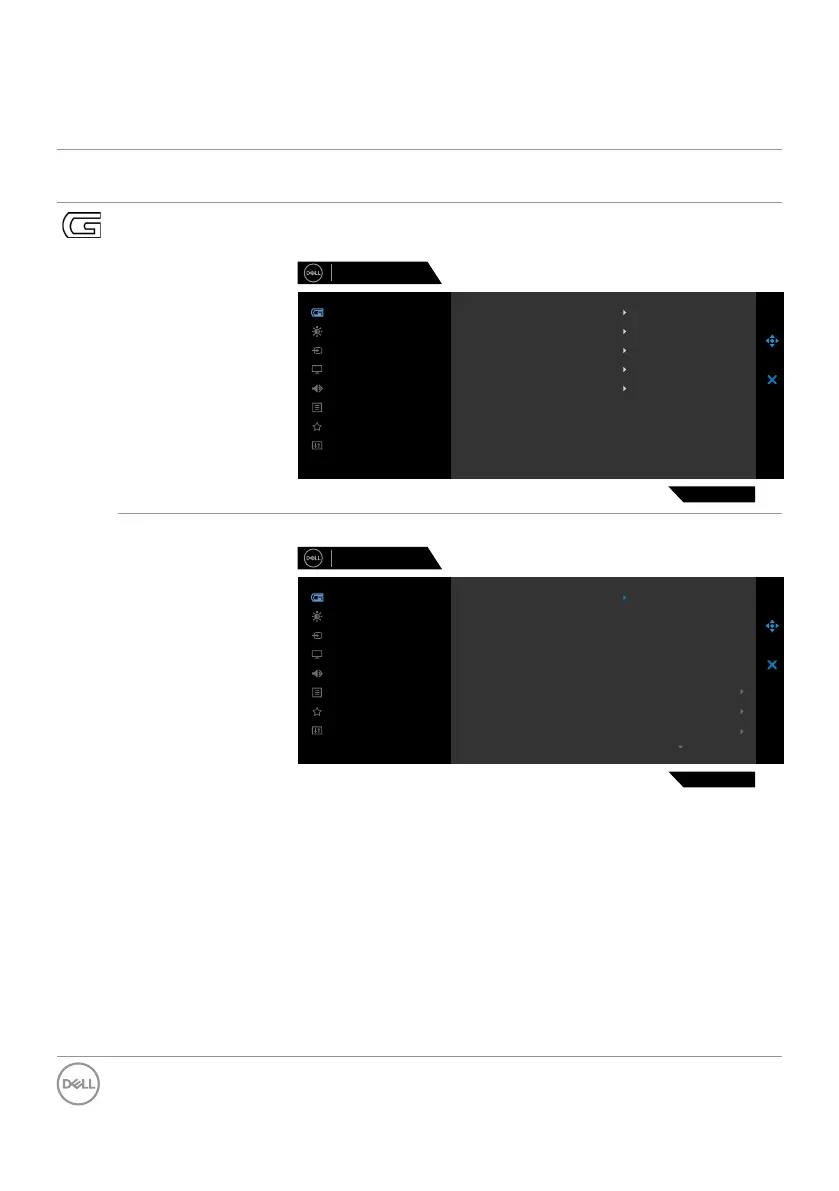
Game Usethismenutopersonalizeyourvisualgameplay
experience.
Dell 27 Gaming Monitor
S2721DGF
Menu
Personalize
Others
Brightness/Contrast
Game
Display
Input Source
Audio
Hue
Saturation
Reset Game
Game Enhance Mode
Preset Modes
Response Time
AMD FreeSync Premium Pro
Dark Stabilizer
O
Standard
Fast
On
0
Preset Modes Allowsyoutochoosefromalistofpresetcolormodes.
Dell 27 Gaming Monitor
S2721DGF
Menu
Personalize
Others
Brightness/Contrast
Game
Display
Input Source
Audio
Hue
Saturation
Reset Game
Game Enhance Mode
Preset Modes
Response Time
AMD FreeSync Premium Pro
Dark Stabilizer
FPS
Standard
RPG
MOBA/RTS
SPORTS
Game 1
Game 2
Game 3
•Standard:Loadsthemonitor’sdefaultcolorsettings.
Thisisthedefaultpresetmode.
•FPS: LoadscolorsettingsidealforFirst-Person
Shootergames.
•MOBA/RTS: LoadscolorsettingsidealforMultiplayer
OnlineBattleArena(MOBA)andReal-TimeStrategy
(RTS)games.
•RPG:LoadscolorsettingsidealforRole-Playinggames.
•SPORTS:Loadscolorsettingsidealfor“SPORTS”
games.



 To Next Page