About your monitor │ 13
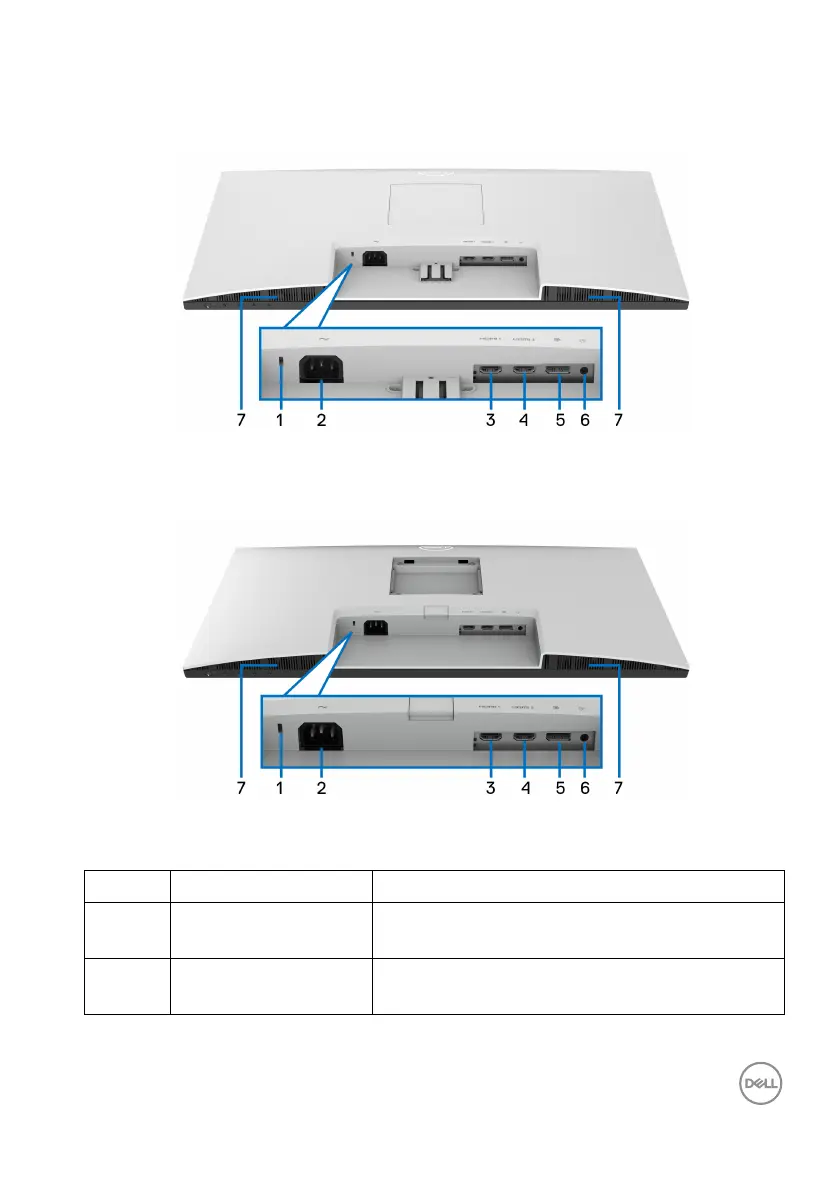
Bottom view
Bottom view without monitor stand
Bottom view without monitor stand
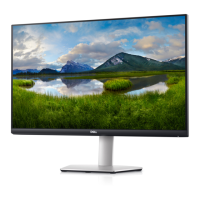
S2721D
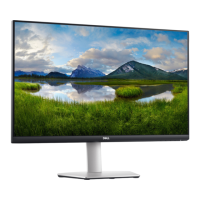
S2721DS
Label Description Use
1 Security lock slot Secures the monitor with security lock
(
security lock not included).
2 Power connector Connect the power cable (shipped with your
mo
nitor).



 To Next Page