Operating the monitor │ 37
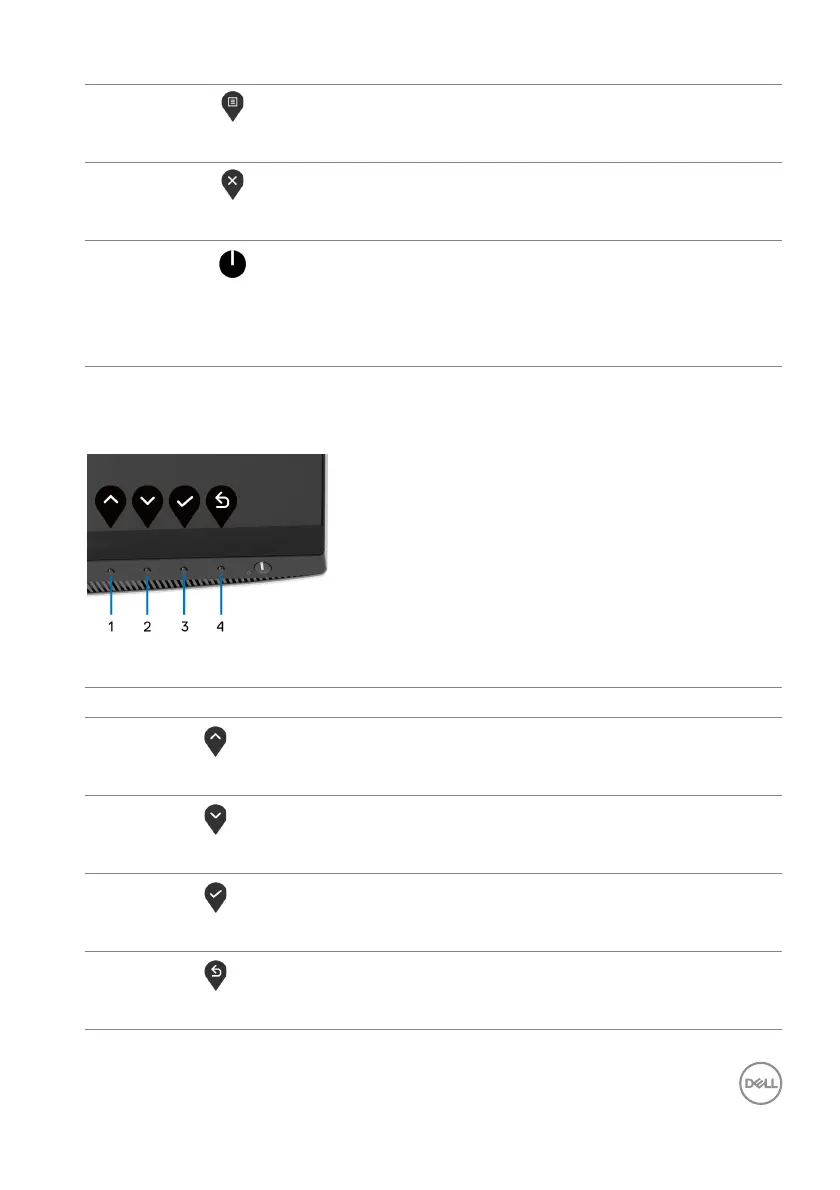
Front-panel button
Use the buttons on the front of the monitor to
adjust the image settings.
Front-panel button Description
1
Up
Use the Up but
ton to adjust (increase ranges) items in
the OSD menu.
2
Down
Use the Do
wn button to adjust (decrease ranges) items
in the OSD menu.
3
OK
Use the OK but
ton to confirm your selection.
4
Back
Use the Back b
utton to go back to the previous menu.
3
Menu
Use the ME
NU button to launch the On-Screen
Display (OSD). See Accessing the menu system.
4
Exit
Use this button to exit the OSD main menu.
5
Power
(with power light
indicator)
To turn the monitor on or off.
Solid white light indicates that the monitor is turned
on
and functioning normally. Blinking white light
indicates that the monitor is in Standby Mode.



 To Next Page