34 │ Operating your monitor
Icon Menu and
Submenus
Description
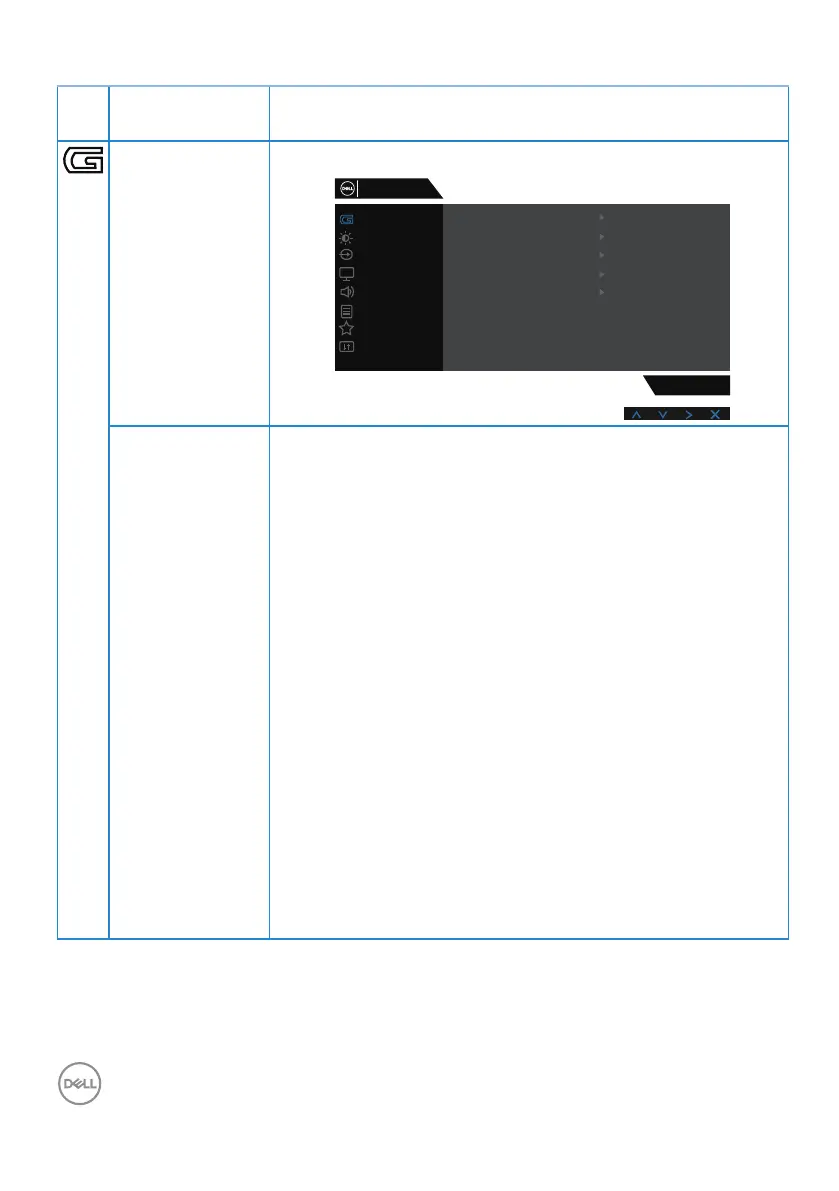
Game Use Game to adjust the Game setting mode.
Game
Input Source
Display
Others
Personalize
Menu
Audio
Brightness / Contrast
S3220DGF
Game Enhance Mode
FreeSync
Preset Modes
Response Time
Dark Stabilizer
Hue
Off
On
Standard
Fast
0
Saturation
Reset Game
Dell 32 Gaming Monitor
Preset Modes
∞
Standard: Reset the color to default setting on your
monitor.
∞
FPS: Loads color settings ideal for First-Person Shooter
games.
∞
MOBA/RTS: Loads color settings: Ideal for “Multiplayer
Online Battle Arena” and “Real-time Strategy” games.
∞
RPG: Loads color settings ideal for Role-Playing games.
∞
SPORTS: Loads color settings: Ideal for “SPORTS”
games.
∞
Game 1/Game 2/Game 3: Allows you to customize the
color settings for your gaming needs.
∞
ComfortView: Decreases the level of blue light emitted
from the screen to make viewing more comfortable for
your eyes.
∞
Warm: Increases the color temperature. The screen
appears warmer with a red or yellow tint.
∞
Cool: Decreases the color temperature. The screen
appears cooler with a blue tint.
∞
Custom Color: Allows you to manually adjust the color
settings.



 To Next Page