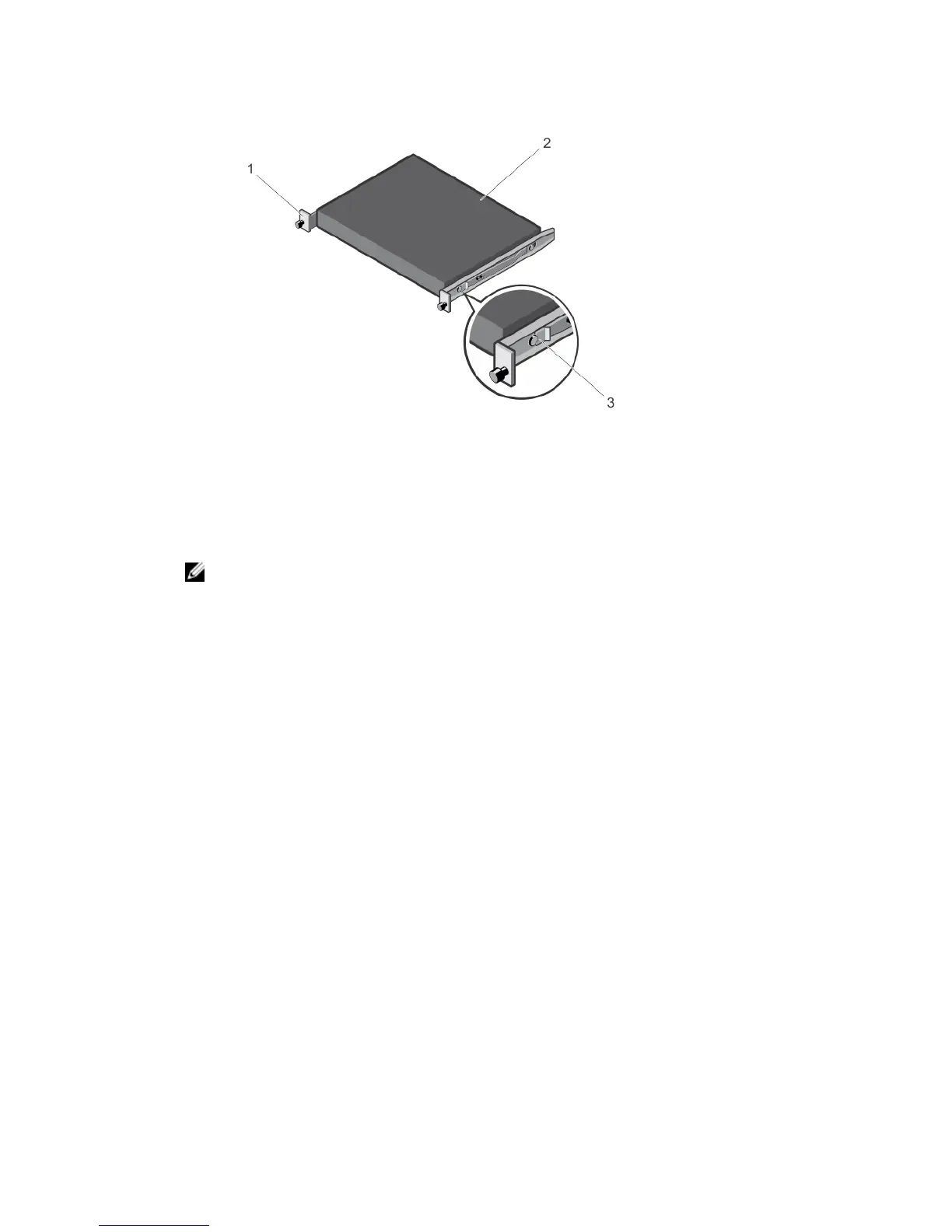
Figure 5. Attaching the Switch Rails
2. After you have installed both switch rails, line them up on the previously mounted Ready-Rails and
slide the switch in until it is flush with front of rack. About 3 inches before you fully insert your
system, the rail locking feature engages to keep the switch from inadvertently sliding out of the rack
and falling.
NOTE: Do not the use the mounted Ready-Rails as a shelf or a workplace.
10
Install the Hardware













 To Next Page