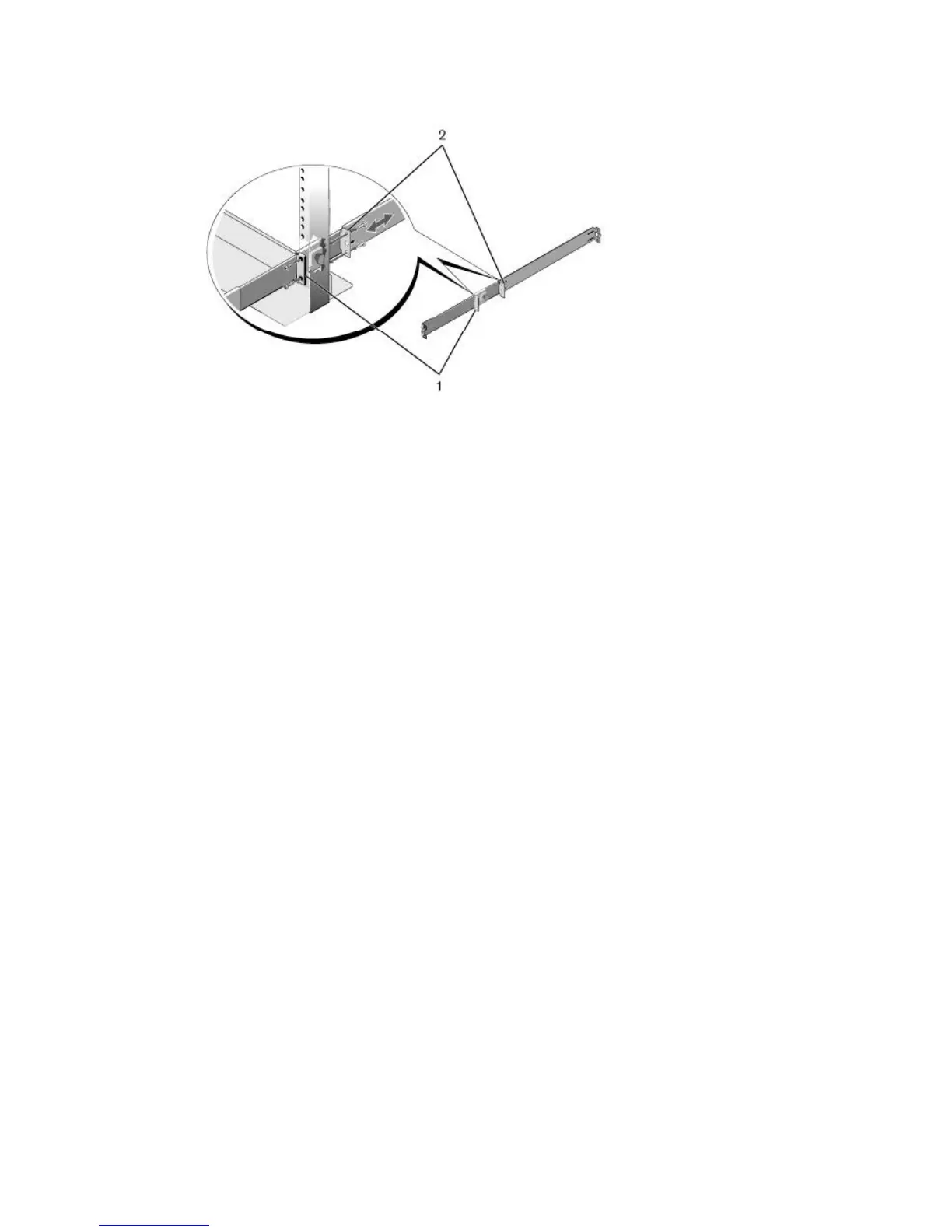
Figure 3. Two-Post Center-Mount Configuration
Four-Post Threaded Configuration
To install the Dell ReadyRails system using the four-post threaded configuration, follow these steps.
1. For this configuration, remove the flange ear castings from each end of the ReadyRails assemblies.
Use a Torx driver to remove the two screws from each flange ear and remove each casting. Refer to
item 1 of the following figure. Retain the castings for future rack requirements.
2. For each rail, attach the front and rear flanges to the post flanges with two user-supplied screws at
each end. Refer to item 2 of the following figure.
8
Install the Hardware













 To Next Page