64 | Operating the monitor
Icon Menu and
submenu
Description
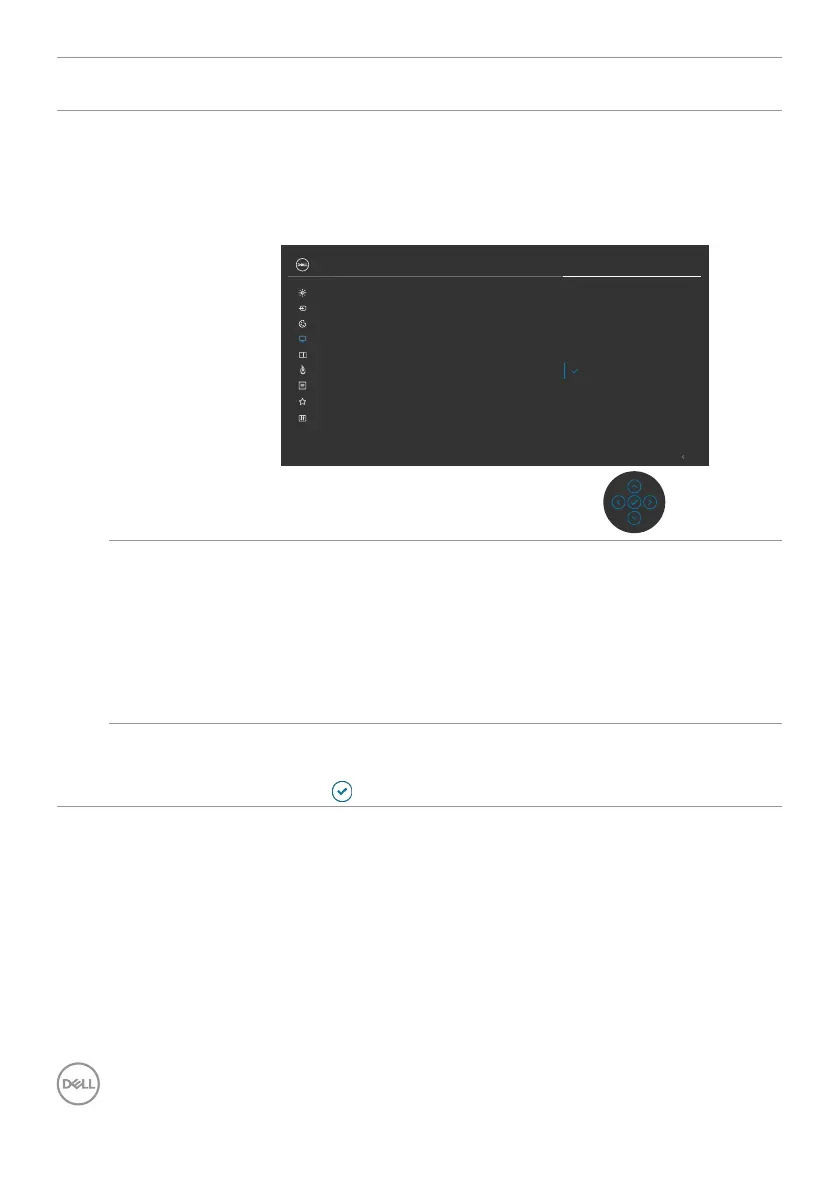
Multi-Monitor
Sync
Multi-Monitor Sync allows multiple monitors that are daisy
chained via DisplayPort to synchronize a pre-defined group
of OSD settings in the background.
An OSD option, “Multi-Monitor Sync” will be created in
Display Menu to allow user to enable/disable syncing.
Exit
O
On
Color
Display
Brightness/Contrast
Input Source
UltraSharp 27 Monitor
Sharpness
Response Time
Aspect Ratio
MST
Multi-Monitor Sync
Reset Display
PIP/PBP
Personalize
Others
Menu
USB
USB-C Prioritization
Dell Power Button Sync
Dell Power
Button Sync
To allow you to control PC system power state from the
monitor power button.
Allows you to On or Off Dell Power Button Sync
function.
NOTE: This feature is only supported with Dell platform
which has built-in DPBS function, and is only supported
over Thunderbolt interface.
Reset Display Resets all settings under the Display menu to the factory
defaults.
Press
to select this function.



 To Next Page