Operating the monitor | 67
Icon Menu and
submenu
Description
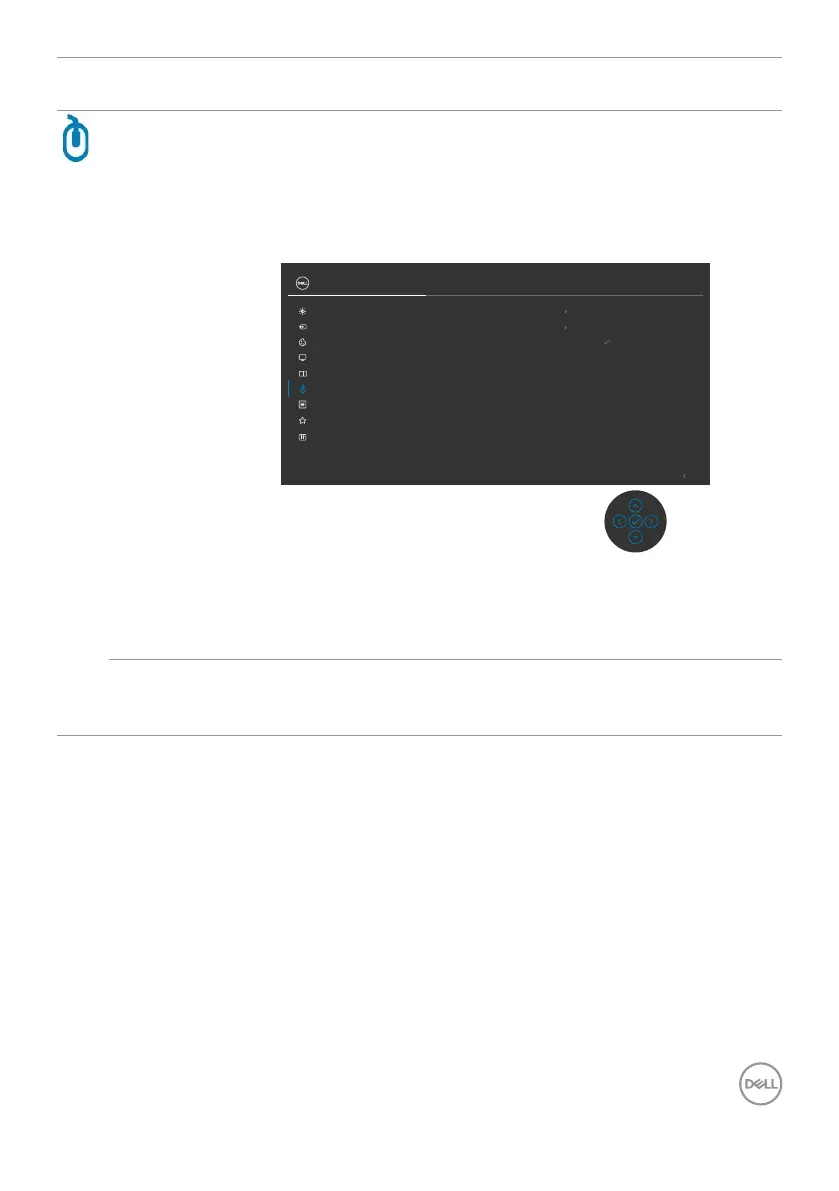
USB Allows you to set the USB upstream port for the DP input
signals, thus the monitor’s USB downstream port (For
example, keyboard and mouse) can be used by the current
input signals when you connect a computer to either one
of the upstream ports. When you use only one upstream
port, the connected upstream port is active.
Exit
USB-C
USB-C
PIP/PBP
USB
DP assign to
HDMI assign to
Personalize
Others
Menu
Input Source
Display
Color
Brightness/Contrast
Show KVM Setup Guide
Select
UltraSharp 27 Monitor
NOTE: To prevent data damage or loss, before changing
USB upstream ports, make sure that no USB storage
devices are in use by the computer connected to the
monitor’s USB upstream port.
Show KVM
Setup Guide
Select this option and follow steps if you want to connect
multiple computers to the monitor and use one setup of
keyboard and mouse.



 To Next Page