44 | Operating the Monitor
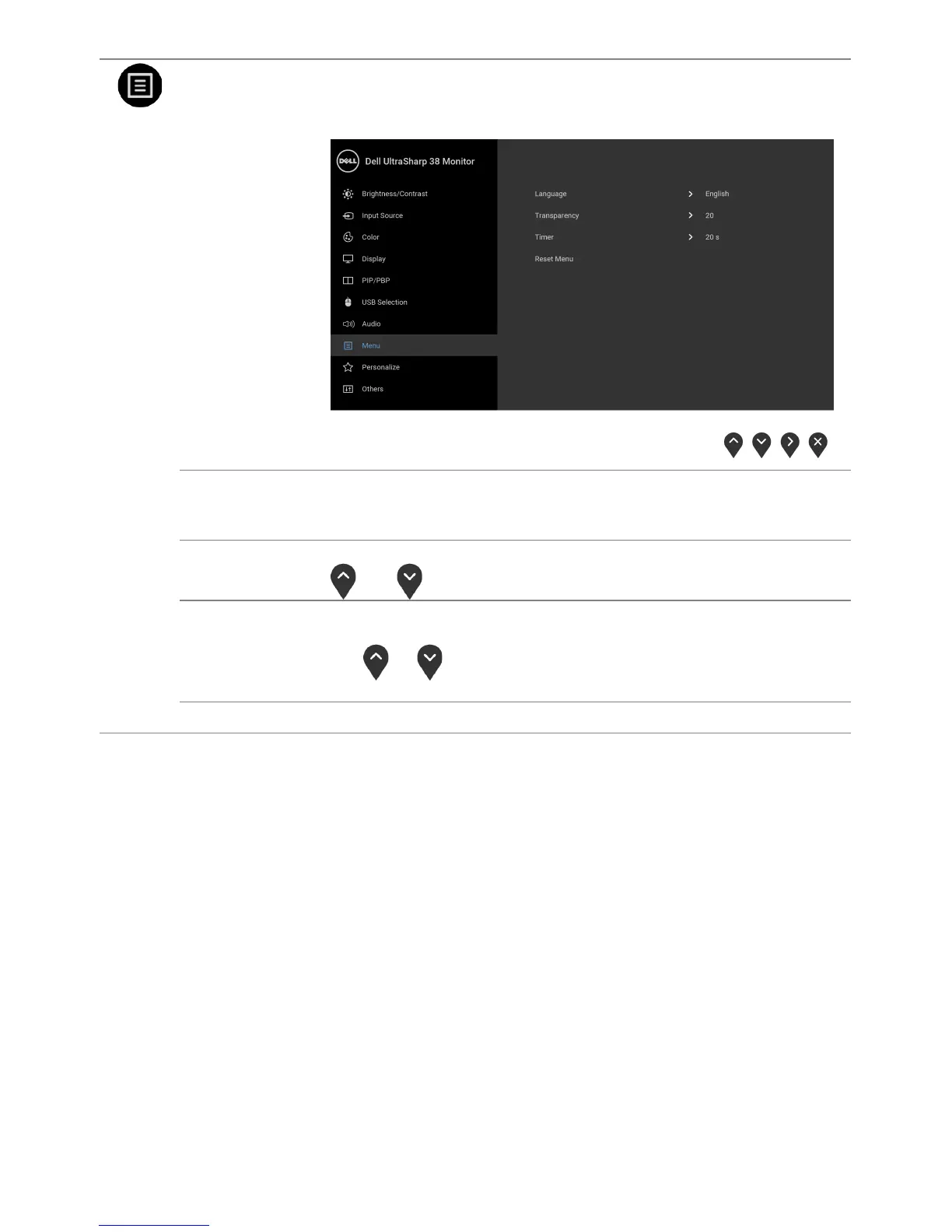
Menu
Select this option to adjust the settings of the OSD, such as, the
languages of the OSD, the amount of time the menu remains on
screen, and so on.
Language
Language options set the OSD display to one of the eight languages
(English, Spanish, French, German, Brazilian Portuguese, Russian,
Simplified Chinese or Japanese).
Transparency
Select this option to change the menu transparency by pressing the
and buttons (Minimum: 0 ~ Maximum: 100).
Timer
OSD Hold Time: sets the length of time the OSD will remain active
after the last time you pressed a button.
Use
or to adjust the slider in 1 second increments, from 5 to
60 seconds.
Reset Menu
Reset all OSD settings to the factory preset values.













 To Next Page