Operating the Monitor | 47
OSD Warning Messages
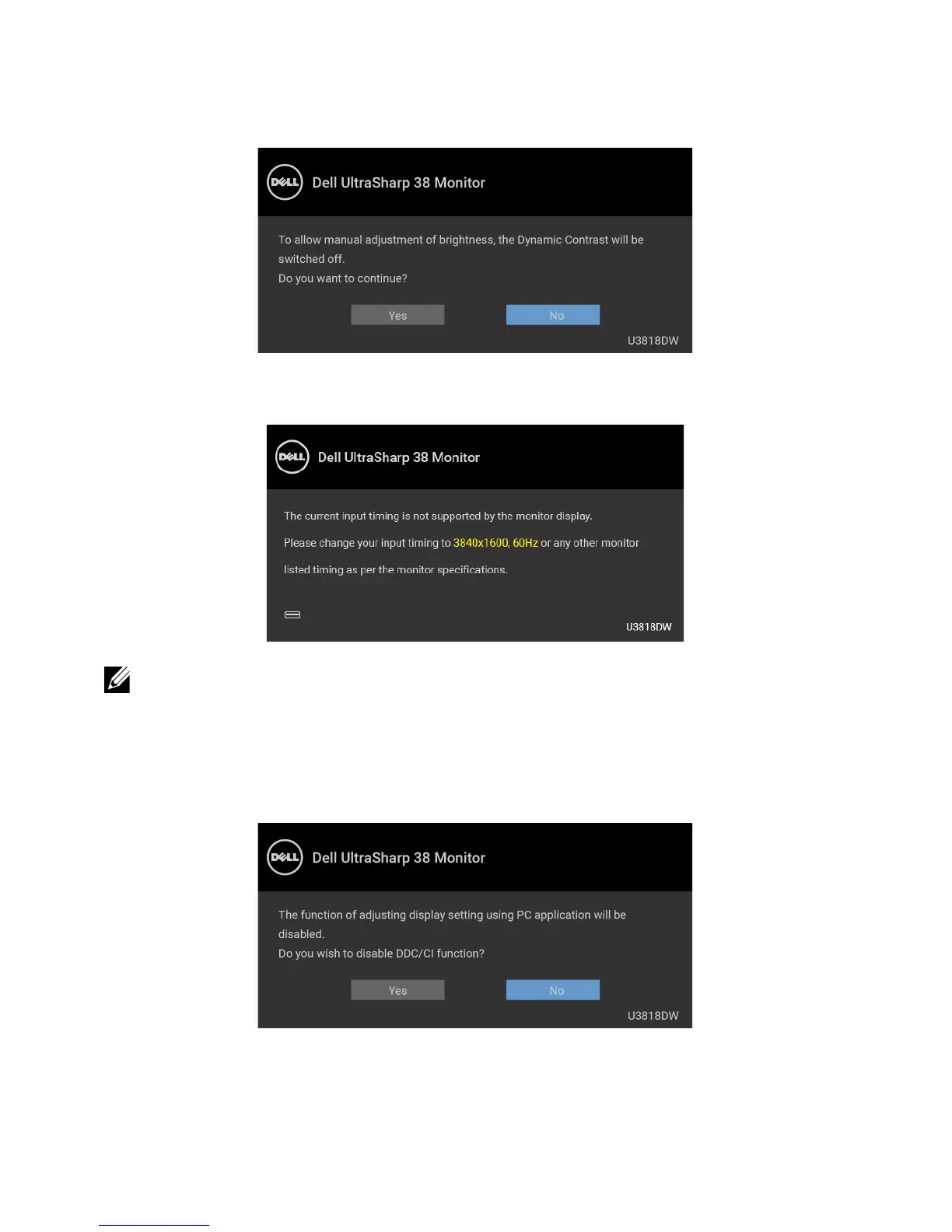
When the Dynamic Contrast feature is enabled (in these preset modes: Game or Movie),
the manual brightness adjustment is disabled.
When the monitor does not support a particular resolution mode, you will see the
following message:
NOTE: The message may be slightly different according to the connected input
signal.
This means that the monitor cannot synchronize with t
he signal that it is receiving from
the computer. See
Monitor Specifications
for the Horizontal and Vertical frequency
ranges addressable by this monitor. Recommended mode is 3840 x 1600.
You will see the following message before the DDC/CI function is disabled:













 To Next Page