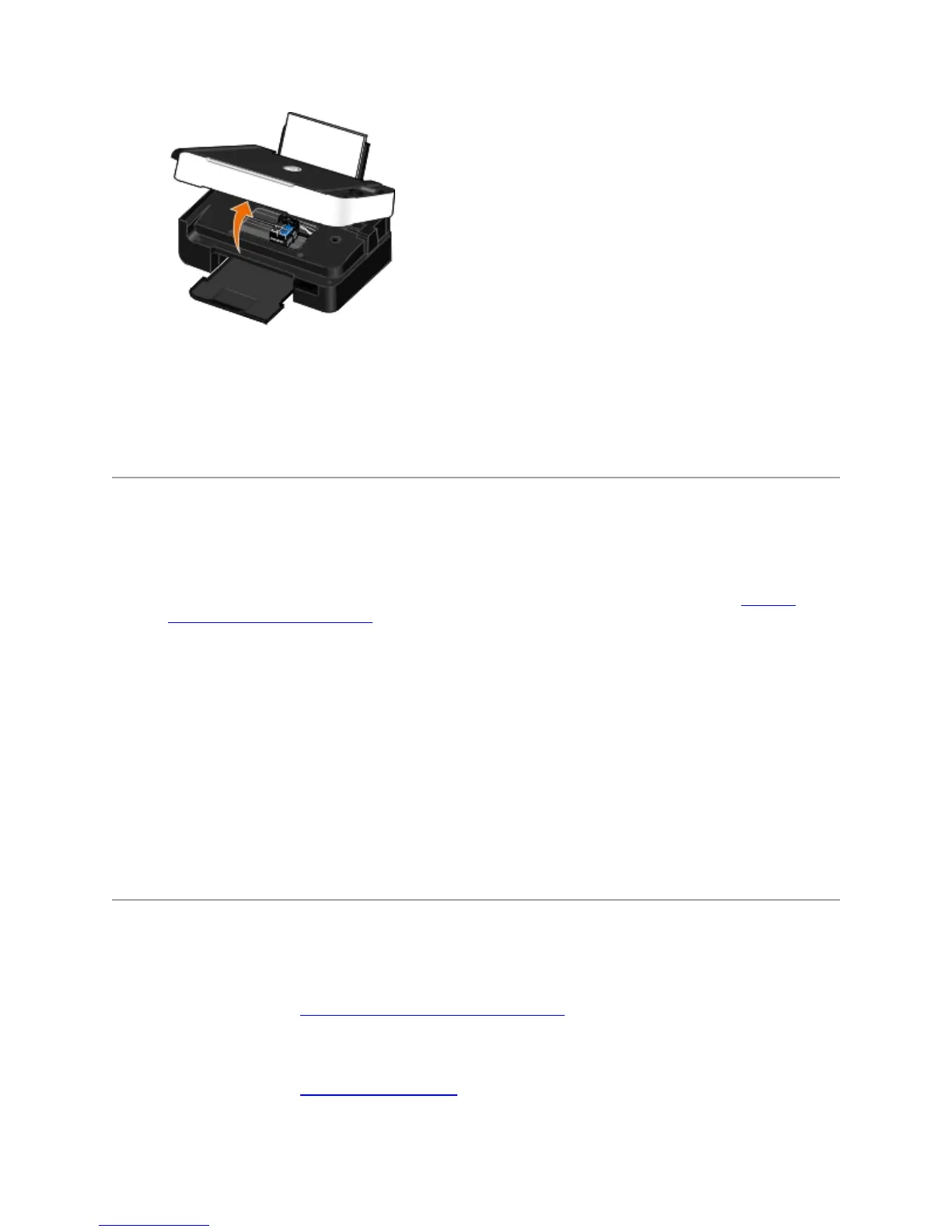
3. Firmly grasp the paper, and gently pull it from the printer.
4. Close the scanner base unit.
5. Turn on the printer, and print the document again.
AvoidingJamsandMisfeeds
You can avoid most jams and misfeeds by following these guidelines:
Use media that follows the printer's media guidelines. For more information, see Loading
Paper into the Paper Support.
Make sure that the media is properly loaded in the input tray.
Do not overload the input tray.
Do not remove media from the input tray while printing.
Flex, fan, and straighten the paper before loading.
Do not use creased, damp, or curled paper.
Orient the media according to the instructions for the printer.
PaperProblems
Make sure you loaded the paper correctly.
For more information, see Loading Paper into the Paper Support.
Use only paper recommended for your printer.
For more information, see Print Media Guidelines.



 To Next Page