NOTE: A Bluetooth adapter is not included with the printer.
3. Use the left and right Arrow buttons to scroll to BLUETOOTH, and then press the Select
button .
4. Use the left and right Arrow buttons to scroll to Discovery, and then press the Select
button .
5. Use the left and right Arrow buttons to scroll to On, and then press the Select button .
The printer is now ready to accept a connection from a Bluetooth-enabled device.
6. Configure the Bluetooth-enabled device to set up a connection to the printer. Refer to the
instructions included with the device for Bluetooth connection information.
NOTE: If the Bluetooth Security Level on the printer is set to High, you must enter a pass
key. For more information, see Setting the Bluetooth Security Level.
Setting the Bluetooth Security Level
1. Turn on the printer.
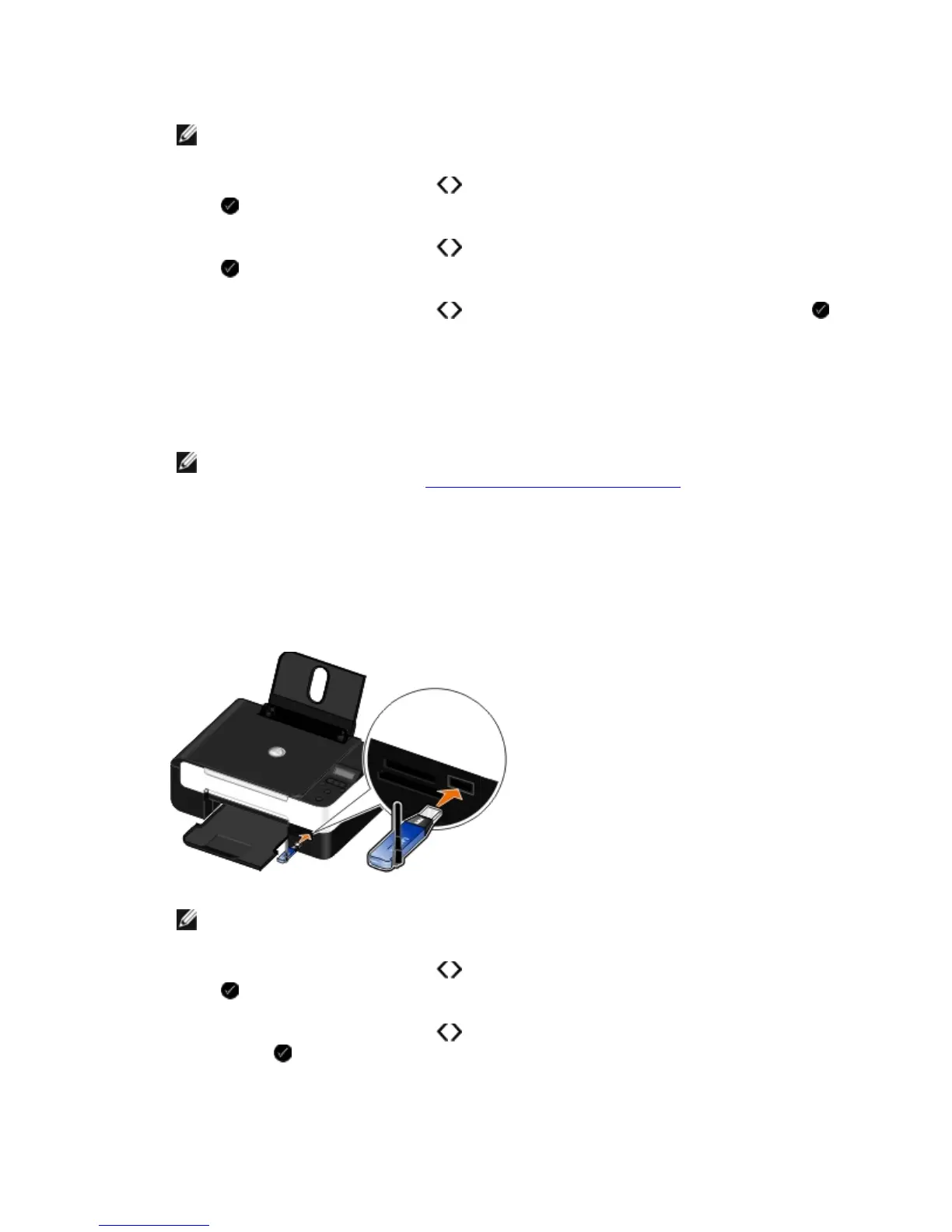
2. Insert a Bluetooth USB adapter into the USB port.
NOTE: A Bluetooth adapter is not included with the printer.
3. Use the left and right Arrow buttons to scroll to BLUETOOTH, and then press the Select
button .
4. Use the left and right Arrow buttons to scroll to Security Level, and then press the
Select button .



 To Next Page