Tab Options
Align Ink Cartridges
Print a Test Page
Network Support
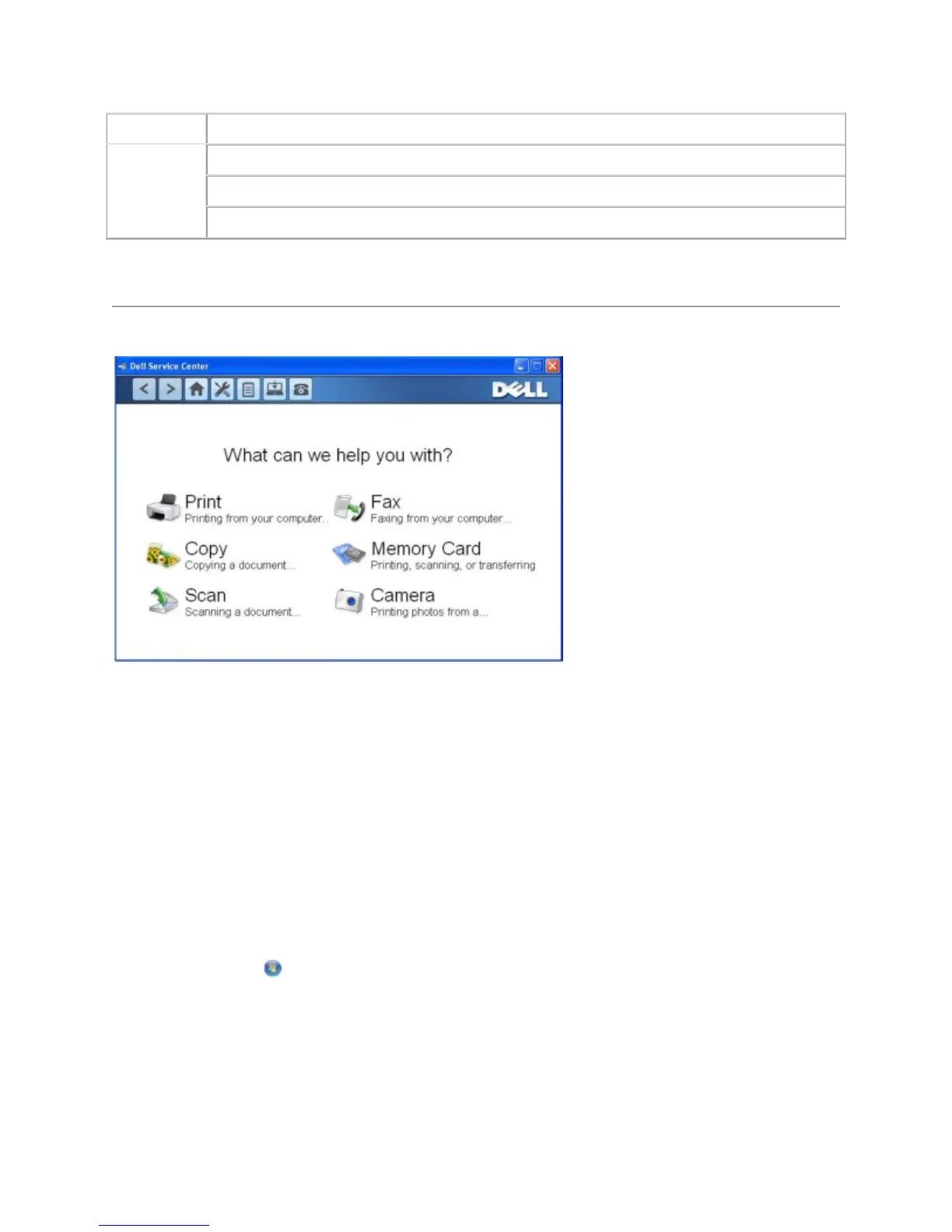
UsingtheDellServiceCenter
The Dell Service Center is a diagnostic tool that provides step-by-step troubleshooting help with
problems encountered while using the printer. It also contains links to printer maintenance tasks and
customer support.
To access the Dell Service Center, you can use either of these methods.
From an error message dialog box:
Click the For additional assistance, use the Dell Service Center link.
From the Start Menu:
1. In Windows Vista:
a. Click Programs.
b. Click Dell Printers.
c. Click Dell V305.
In Windows XP and Windows 2000:



 To Next Page