LoadingPaperandOriginals
LoadingPaperintothePaperSupport
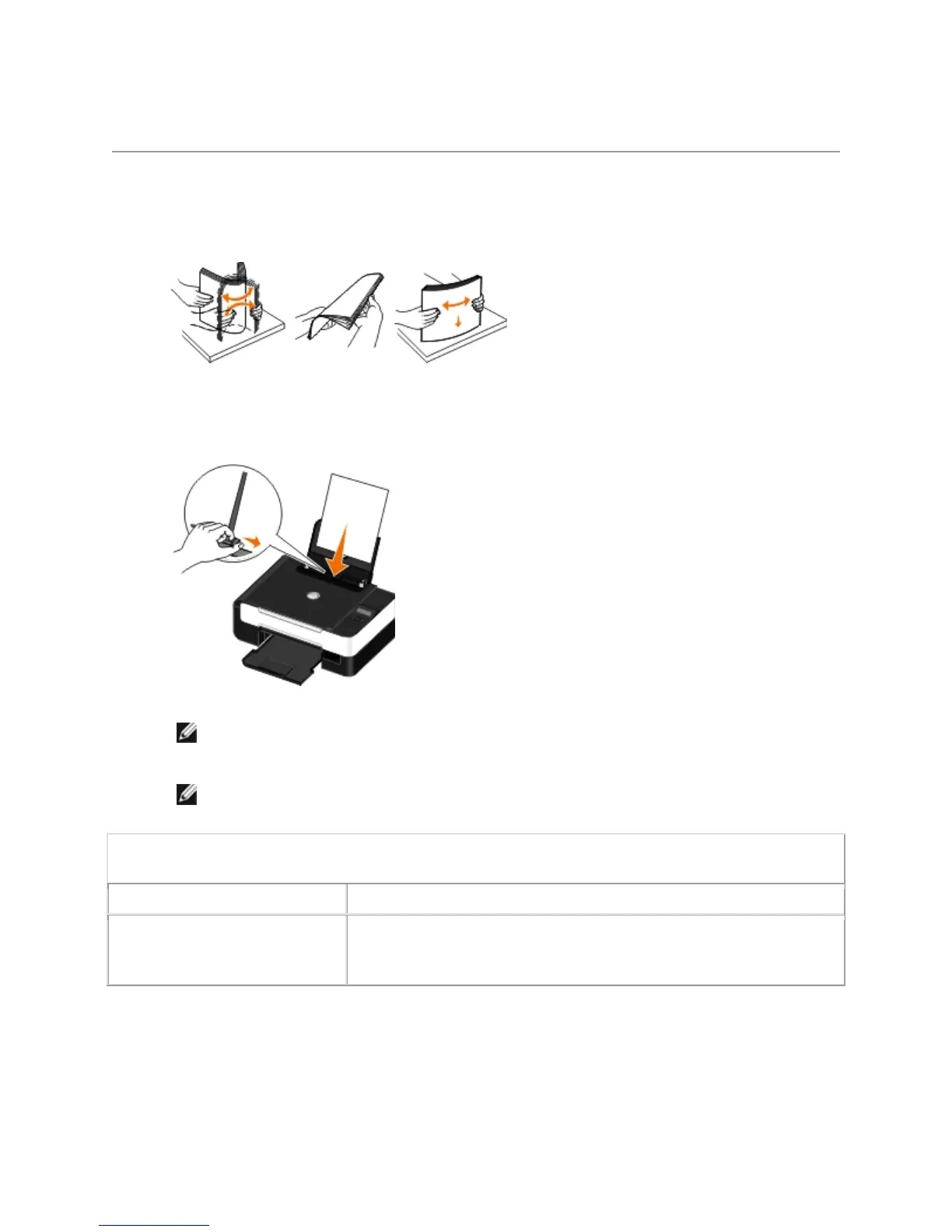
1. Fan the paper.
2. Center the paper on the paper support.
3. Adjust the paper guides so they rest against the edges of the paper.
NOTE: Do not pull on both paper guides simultaneously. When one paper guide is
moved, the other adjusts accordingly.
NOTE: Do not force paper into the printer. The paper should be flat against the paper
support surface, and the edges should be flush against both paper guides.
Print Media Guidelines
Load up to: Make sure:
100 sheets of plain paper
The paper guides rest against the edges of the paper.
You load letterhead paper with the print side facing up and the top
of the letterhead going into the printer first.



 To Next Page