Understanding the Software
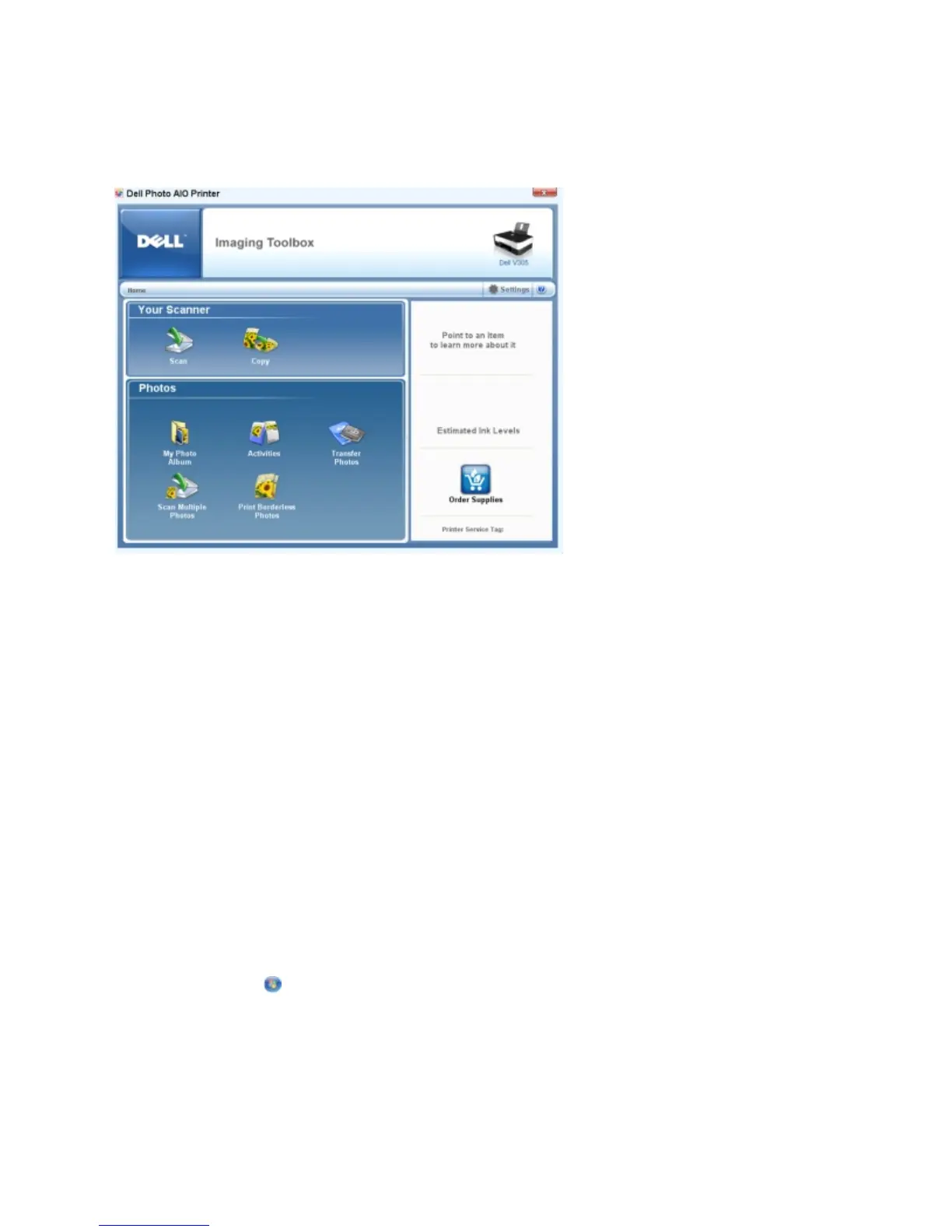
UsingtheDellImagingToolbox
The Dell Imaging Toolbox allows you to:
Scan, copy, and use a variety of tools for your printing needs.
Select the quantity and quality of your copies.
Preview images you want to print, scan, or copy.
Manage photos in a digital photo album.
E-mail scanned documents and photos.
Check ink levels.
Order supplies online.
To access the Dell Imaging Toolbox:
1. In Windows Vista™:
a. Click Programs.
b. Click Dell Printers.
c. Click Dell V305.
In Windows
®
XP and Windows 2000:



 To Next Page